11 Powerful Remote Desk Life Organization Tips for Minimal Workspaces
I’ve spent the better part of the last decade bouncing between tiny apartments, shared living spaces, and even the occasional hotel room turned makeshift office while working remotely. Early on, my desk—if you could even call it that—was a folding table squeezed into a corner of a studio that doubled as my bedroom and kitchen. Papers everywhere, chargers snaking across the floor, a mug balanced precariously on a stack of notebooks. It wasn’t just messy; it was mentally exhausting. Every time I sat down to focus, the visual noise pulled me out of the zone before I even opened my laptop. Sound familiar? If you’re juggling remote work in a minimal setup, where square footage feels like a luxury you can’t afford, you’re not alone. The good news is that organization doesn’t require a bigger space or a complete overhaul. It just needs smart, intentional shifts that make every inch work harder for you.
What I’ve learned through trial and error—and plenty of conversations with other remote folks struggling in similar setups—is that minimal workspaces thrive on simplicity layered with systems. It’s not about buying fancy organizers that end up becoming clutter themselves. It’s about rethinking how you use what you already have, creating habits that prevent chaos from creeping back in, and treating your desk like the command center it really is for your livelihood. These changes pay off in ways that go beyond aesthetics. Studies on cognitive load suggest that a cluttered environment can drain mental energy equivalent to multitasking, leaving you drained by lunchtime. In remote life, where boundaries between work and home blur so easily, a well-organized desk becomes your anchor. It signals to your brain that it’s time to produce, helps you switch off at the end of the day without lingering guilt, and even makes those inevitable video calls look polished without any extra effort.
Over the years, I’ve refined what works specifically for tight quarters—think desks no wider than a standard doorway or surfaces shared with kids’ homework at night. The tips that follow aren’t pulled from glossy catalogs or influencer feeds full of unattainable setups. They’re battle-tested in real apartments, often in cities where space comes at a premium. They’ve helped me hit deadlines faster, reduce daily stress, and actually enjoy the flexibility of remote work instead of resenting the cramped conditions. Each one builds on the last, so you can start small and layer them as you go. No need for a massive budget or weekend project. Just consistent application. If you’re ready to turn your minimal desk from a source of frustration into a silent partner in productivity, these eleven strategies will get you there. Let’s walk through them one by one, with the kind of details that actually stick when you’re implementing them yourself.
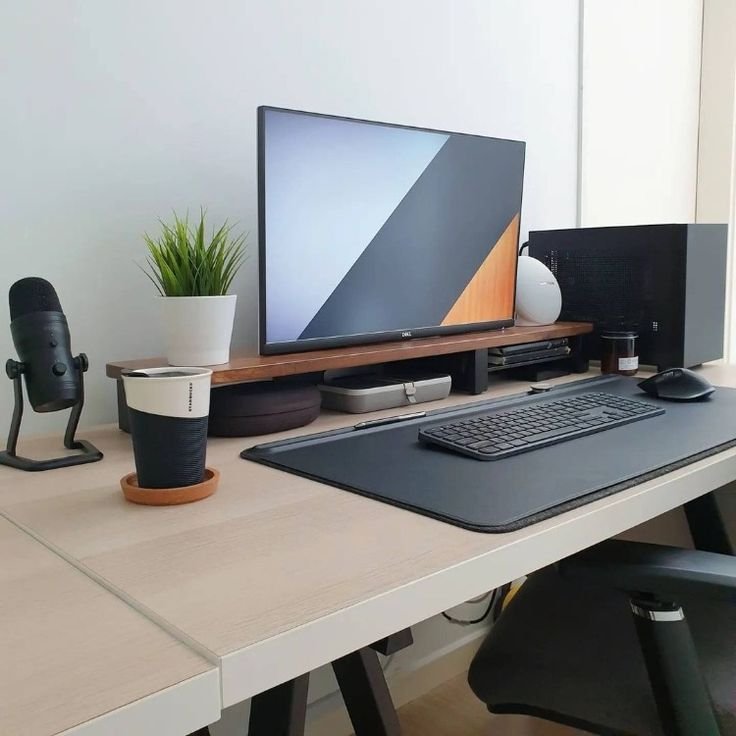
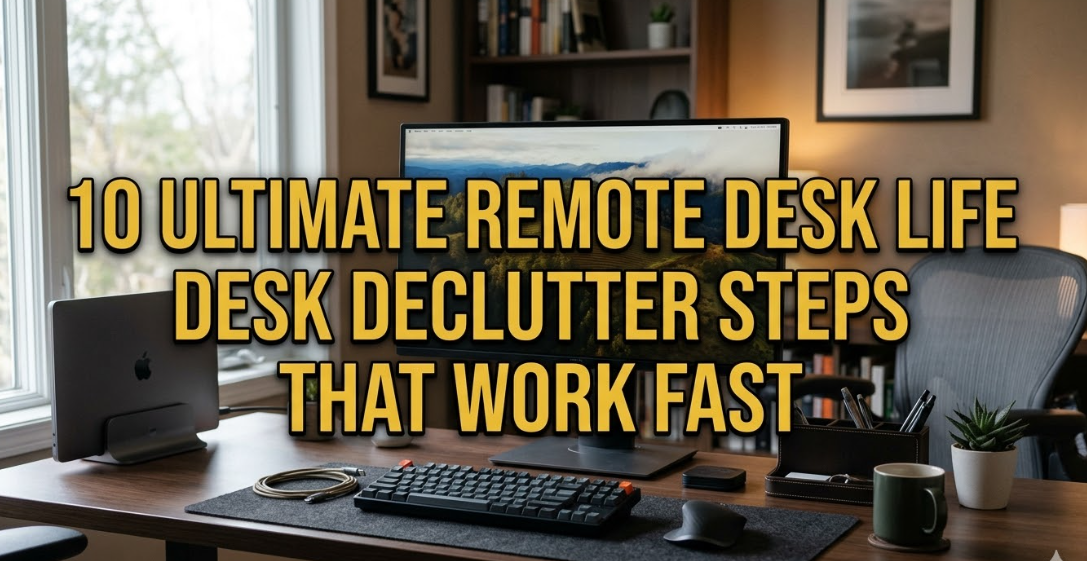
The first powerful approach that changed everything for me is embracing a ruthless weekly declutter session as the non-negotiable starting point. Most people think decluttering is a one-and-done event, like a spring clean that magically lasts forever. In a minimal workspace, though, it’s the rhythm that keeps things sustainable. I used to let sticky notes, old receipts, and random pens accumulate until my mouse pad disappeared under the mess. Then I’d spend an hour hunting for a single document right when a urgent email hit. The turning point came during a particularly brutal deadline week when I finally cleared everything off the desk except my laptop and one notebook. What stayed? Only what I touched daily. Everything else got sorted into three piles: keep, digitize, or toss. The keep pile was shockingly small—maybe twenty percent of what I started with.
Here’s how I do it now without it feeling like a chore. Every Sunday evening, after wrapping up loose ends, I set a ten-minute timer. I sweep the surface into a box, then go item by item asking one question: “Have I used this in the last seven days?” If not, it doesn’t earn permanent real estate. For papers, I snap a quick photo with my phone and file it in a cloud folder labeled by date and project. Old cables or accessories that might be useful someday go into a small labeled bin under the desk or in a closet—out of sight but not forgotten. The key is consistency over perfection. In minimal spaces, even three extra pens create visual weight that distracts the eye and the mind. I’ve noticed my focus sessions last longer now because there’s nothing competing for attention. Colleagues on calls often comment on how clean my background looks, but they don’t realize it’s because I stopped letting “maybe later” items linger. If you’re in a shared space or tiny room, this habit also prevents spillover into living areas, preserving that crucial mental separation between work mode and relax mode. Start tomorrow with just the surface, and you’ll feel the difference by Wednesday.
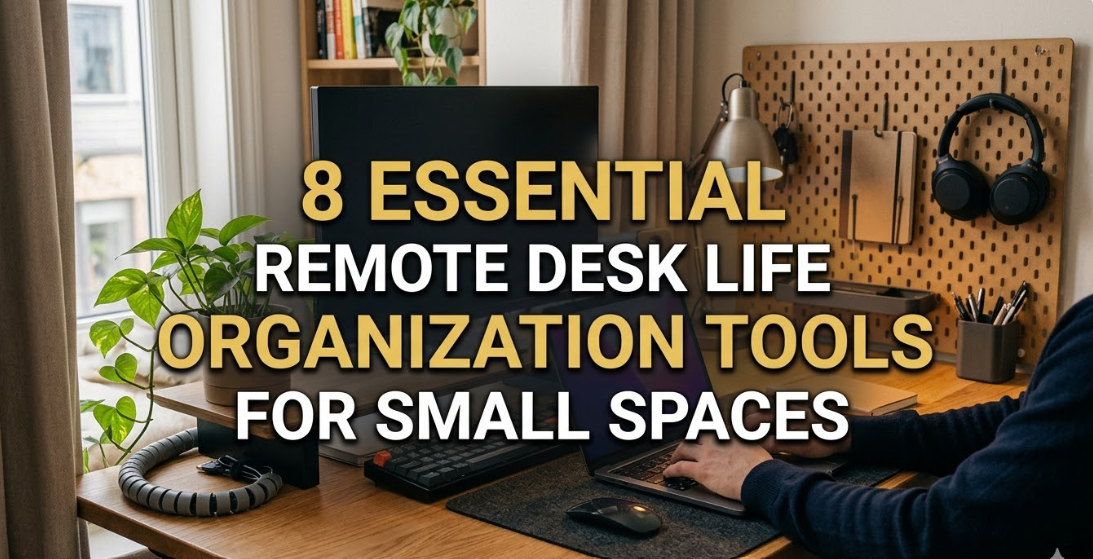
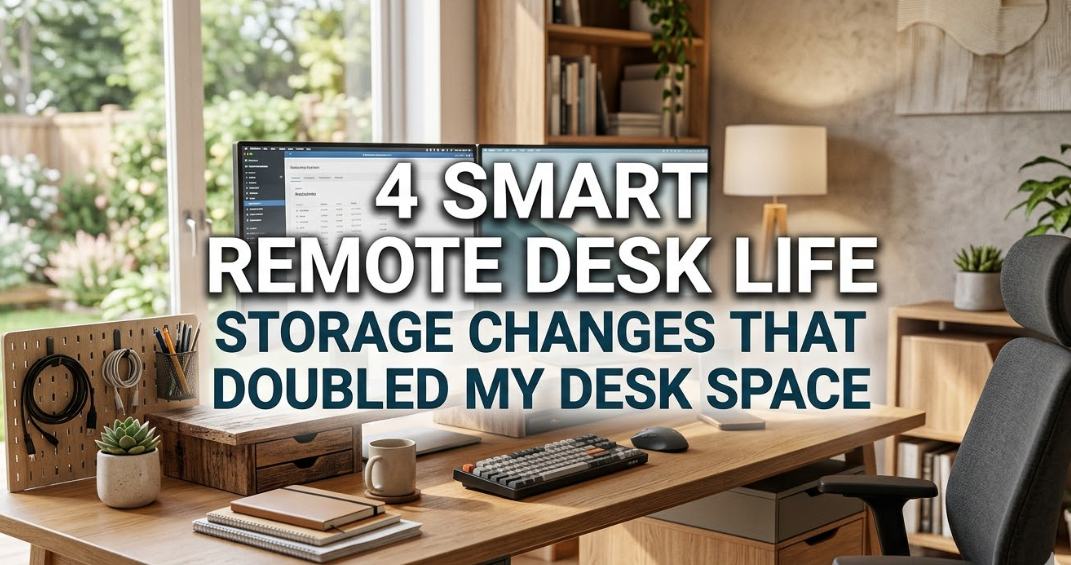
Building directly on that clean foundation, the second tip centers on thinking upward instead of outward—using every vertical inch your walls and air offer without expanding your footprint. Horizontal space is precious in minimal desks, so why fight it when height is usually free? In my first cramped setup, I was constantly bumping elbows with stacks of books and files. Then I installed a couple of simple floating shelves above eye level and a pegboard on the adjacent wall. Suddenly the desk breathed again. The shelves hold reference materials I reference weekly but don’t need at arm’s reach every minute. The pegboard? It became my command center for headphones, a small whiteboard for quick notes, and even a hanging pouch for the occasional physical mail.
Implementation is straightforward and cheap. Measure the wall space directly above or beside your desk—most apartments have at least a foot or two of unused vertical real estate. Opt for slim shelves that match your wall color to keep things visually light. Use tension rods or command hooks if drilling isn’t allowed in rentals. For the pegboard route, cut a small section to fit and paint it if you want it to blend in. Group items logically: daily tools like earbuds low enough to grab without standing, less frequent ones higher up. I’ve found this works wonders for remote workers who juggle multiple projects because it creates a visual hierarchy—your eyes naturally scan up when you need something specific instead of rummaging across the surface. One unexpected bonus in small spaces is the way it draws the eye upward, making the whole room feel taller and less claustrophobic. During long video meetings, that subtle depth in the background looks intentional rather than squeezed. Avoid overloading the shelves though; stick to the same weekly audit rule so they don’t turn into dust collectors. This shift alone freed up nearly half my desk surface and cut my daily search time in half.
Closely tied to reclaiming space is tackling the invisible enemy that turns even the tidiest desk chaotic: cables. My third tip is all about mastering cable management so wires disappear rather than dominate. Nothing screams “clutter” louder than a tangle of black cords snaking across your keyboard or dangling off the edge where they catch on your chair. In minimal setups, they don’t just look messy—they create tripping hazards and mental static. I remember crawling under my desk weekly to unplug and replug everything before calls. The solution that stuck was a combination of sleeves, clips, and strategic routing that made the whole system nearly invisible.
Start by gathering all your cables—laptop charger, monitor if you have one, phone, external drives—and group them by function. Use Velcro ties or twist ties to bundle each set tightly, then route them along the back edge of the desk using adhesive clips or a simple cable tray you can attach underneath. For power strips, mount one under the desk or behind a monitor stand so outlets stay hidden. If you’re on a budget, a length of flexible conduit from the hardware store works wonders to sleeve multiple cords into one clean line. In my current setup, I even drilled a small grommet hole through the desk surface (or used a clamp-on version for rentals) to feed everything through to the floor outlet. The result? A desktop that looks like it belongs in a tech ad, with zero visible wires. This isn’t just cosmetic. Fewer tangles mean faster setup when you need to pack up for travel or switch locations, and it prevents those frustrating moments when a cord yanks your mouse off the desk mid-email. For remote life, where you might move between rooms or even outdoors occasionally, having a portable version—maybe a small pouch with wrapped cords—keeps the habit portable too. Once you experience the calm of a wire-free surface, you’ll wonder why you tolerated the mess for so long.
The fourth strategy introduces multi-functional items that replace several single-purpose gadgets, keeping your minimal desk from feeling like a storage unit. Early in my remote journey, I had separate stands for my laptop, a dedicated monitor arm, a lamp, and a phone holder—all eating real estate. Switching to pieces that pull double or triple duty cut the count dramatically. My current favorite is a laptop riser with built-in storage slots underneath for notebooks and a small drawer for pens. It elevates the screen for better ergonomics while hiding what used to clutter the surface. Pair that with a wireless charging pad that doubles as a mouse pad, and suddenly you’re working with half the objects.
Look for items designed with overlap in mind: a monitor stand that includes cable channels, a desk lamp with USB ports, or even a keyboard tray that slides away when not needed. In tiny spaces, this philosophy extends to furniture too—think a small rolling cart that serves as extra surface during the day and tucks under the desk at night. I’ve tested variations across different roles. Writers benefit from a notebook that folds into a stand for tablets, while developers love docks that charge multiple devices through one cable. The beauty is the compound effect: fewer items mean easier cleaning and less decision fatigue when choosing where everything lives. Start by auditing your current tools and asking what could combine. You might be surprised how one well-chosen piece replaces three. Over time, this approach not only saves space but trains your brain to value efficiency over accumulation, which spills over into other areas of remote life like digital file management.
Shifting from physical to digital brings us to the fifth tip: committing fully to a paperless workflow to erase the need for filing cabinets or overflowing trays in the first place. I used to pride myself on “organized” stacks of printed reports until I realized ninety percent of them could live safely in the cloud. Scanning everything and adopting apps for notes turned my desk into a near-empty canvas. The transition wasn’t instant, but the payoff in a minimal setup is massive—no more yellowing papers fading your focus or taking up drawer space you barely have.
Begin by picking one scanner app on your phone that handles multi-page documents with searchable text. For incoming mail or handouts, scan immediately and shred the original unless it’s something legal that needs ink. Replace physical notebooks with a tablet and stylus combo if budget allows, or even free apps paired with your existing phone. Set up folders in your cloud drive that mirror your old physical system—Projects, Archives, References—so the mental map stays familiar. I color-code mine lightly for quick visual cues during calls. For remote workers dealing with contracts or receipts, tools that auto-categorize and back up everything remove the fear of losing access. In my experience, this habit also speeds up collaboration; sharing a link beats digging through a drawer any day. The subtle freedom comes when you realize your desk surface stays pristine because there’s literally nothing to pile up. Common pitfall to avoid: keeping “just in case” printouts. Trust the digital version and set a reminder to review archives quarterly. Once paper disappears, the mental lightness is addictive.
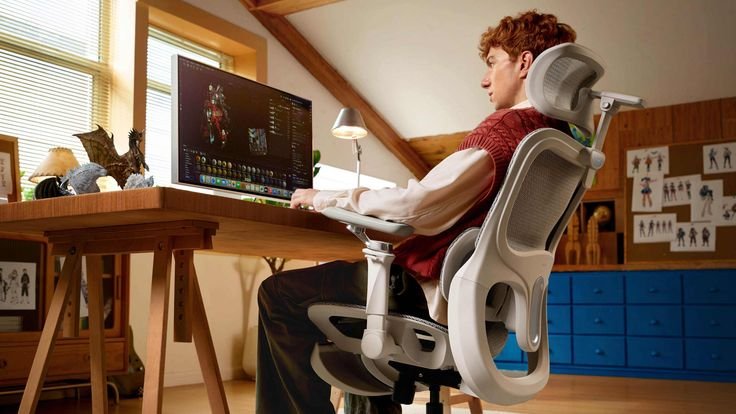
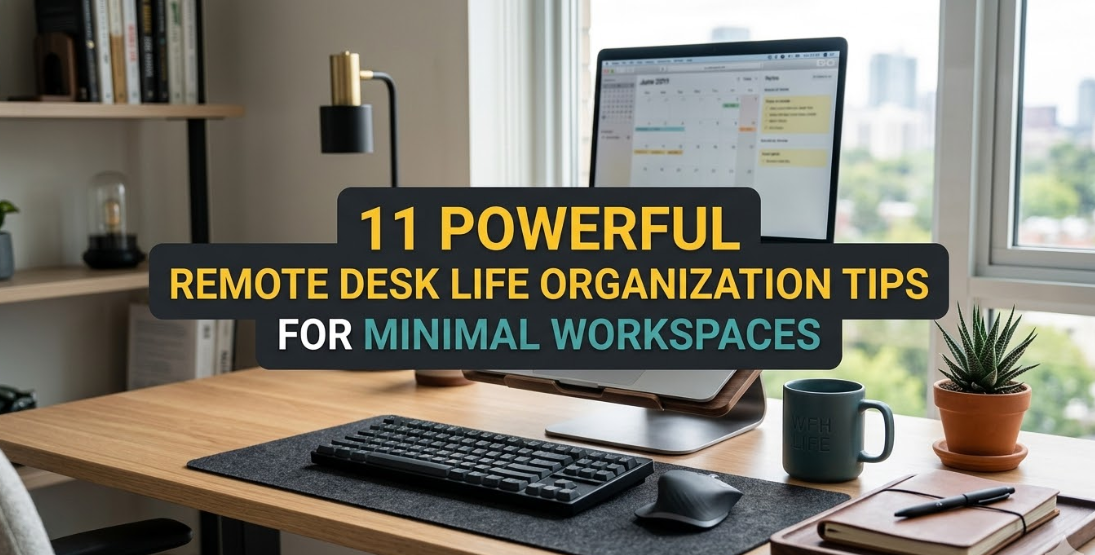
Next, the sixth tip focuses on zoning your desk surface itself, even if it’s only two feet wide, to create invisible boundaries that boost efficiency. In small spaces, everything blends together unless you deliberately divide the real estate. I divide mine into three zones: left for reference and quick notes, center for active work like keyboard and mouse, right for charging and personal items like a water bottle. A simple mat or even a change in mouse pad color signals the shift without adding objects.
To set this up, first identify your most frequent movements. Place the laptop or monitor dead center for posture. Everything you reach for hourly stays within a forearm’s length. Less frequent tools go to the edges or get elevated slightly on a small stand. For creative roles, the right zone might hold a sketchpad; for analysts, it’s external drives. The zoning prevents “everything everywhere” syndrome that plagues minimal desks. During deep work, I mentally lock the left zone off-limits unless needed, which cuts distractions. In shared or multi-use spaces, zones also help family members respect your area—my kids know the center is off-limits during school hours. Refresh zones weekly during your declutter to prevent creep. This system scales beautifully whether your desk is a kitchen counter corner or a dedicated nook, turning limited surface into a logical workflow machine.
Ergonomics without bulk is the seventh essential, because a minimal desk still needs to protect your body during long hours. Poor posture in cramped setups leads to neck pain and fatigue faster than in spacious offices. I learned this after months of hunching over a low table, then invested in slim solutions that don’t eat space. A laptop stand raises the screen without widening the footprint, paired with a compact external keyboard that slides away.
Assess your current height first—screen at eye level, elbows at ninety degrees. If space won’t allow a full monitor, use books or a purpose-built riser. Wrist rests and footrests can be thin and tuckable. For chairs, even dining ones work if you add a lumbar pillow that stores flat. The payoff in remote life is sustained energy; I finish days less drained and sleep better. Test adjustments gradually over a week to find your sweet spot without buying everything at once. In minimal rooms, these tweaks also improve how the space feels—taller setups make small desks appear more intentional and professional on camera.
The eighth tip is establishing a daily shutdown ritual that resets your desk in under five minutes, preventing overnight buildup and easing the transition out of work mode. Remote boundaries blur easily, so ending the day with intention keeps the minimal space from becoming a perpetual mess. I close my laptop, wipe the surface, tuck away any temporary items, and place one symbolic object—like a small plant or closed notebook—to signal “done.”
Make it personal: dim the lamp, log any lingering thoughts in a quick voice note, then physically step away. This habit compounds with decluttering because the ritual enforces the rules daily. In tiny apartments, it also helps the room transform back into living space for evening relaxation. I’ve found it reduces Sunday dread too, since Monday mornings start fresh. Skip fancy apps; a simple checklist on your phone works fine. Consistency here separates sustainable organization from weekend-only efforts.
Ninth comes smart tech that handles organization behind the scenes, freeing you from manual tracking. Apps that sync across devices, automated reminders for audits, and even smart plugs that cut power to distractions at set times keep the system running smoothly. I use calendar integrations that flag when supplies might run low based on usage patterns, eliminating last-minute scrambles.
Choose tools that require zero extra desk space—cloud-based everything, voice assistants for hands-free notes. For minimalists, this layer replaces physical lists entirely. The quiet power shows during busy periods when everything stays aligned without extra effort.
Tenth involves subtle ambiance enhancers that don’t add clutter but improve focus and mood in tight quarters. Soft adjustable lighting via a clip-on lamp with multiple settings, background white noise through headphones, and one small low-maintenance plant in a corner combine to make the space feel expansive. I rotate a single succulent because it needs minimal care and brings life without soil mess.
These elements work psychologically—better light reduces eye strain, greenery lowers stress subtly. Keep selections to one or two max so they enhance rather than compete. In remote calls, they create a calm backdrop that projects professionalism effortlessly.
Finally, the eleventh tip is scheduling quarterly deep audits and small upgrades to evolve the system as your needs change. Remote work shifts—new projects, tools, or even seasonal routines—can outgrow static setups. I block an hour every three months to review what’s working, test one new item, and adjust zones.
This prevents stagnation in minimal spaces where small changes matter most. Track wins in a simple note to stay motivated. Upgrades stay budget-friendly: a better cable sleeve or taller riser based on real usage data.
Wrapping these ideas together, the real magic happens when you weave them into daily life rather than treating them as a checklist. Start with decluttering and vertical storage if your surface feels buried, then layer the rest as comfort grows. Your minimal desk isn’t a limitation—it’s an invitation to work smarter. The clarity, focus, and calm you’ll gain will ripple through every remote workday, proving that powerful organization comes from intention, not inches. Give yourself permission to experiment and adjust. The workspace you deserve is already within reach.