6 Easy Remote Desk Life Workspace Mistakes I Learned the Hard Way
Working from home sounds like a dream. No commuting. No office politics. No noisy coworkers interrupting your focus every ten minutes.
But when I first started building my remote workspace, I quickly realized something surprising: having a desk at home doesn’t automatically mean you have a productive workspace.
I made several small mistakes that quietly drained my productivity, hurt my posture, and made long workdays much harder than they needed to be.
The tricky part? Most of these mistakes were so simple I didn’t even notice them at first.
After months of trial, error, back pain, and frustration, I slowly redesigned my workspace and learned valuable lessons about what actually works in a remote setup.
In this article, I’ll walk you through six common remote workspace mistakes I personally experienced, what went wrong, and how you can avoid making the same mistakes.
Why Your Remote Workspace Matters More Than You Think
Before diving into the mistakes, it’s important to understand why workspace design affects productivity so much.
A poorly designed workspace can cause:
- Reduced concentration
- Physical discomfort
- Lower work motivation
- Frequent distractions
- Increased fatigue
Meanwhile, a well-designed workspace improves:
- Focus
- Comfort
- Work efficiency
- Creativity
- Mental clarity
Remote Workspace Impact Comparison
| Workspace Quality | Productivity Level | Comfort | Focus Ability |
|---|---|---|---|
| Poor setup | Low | Uncomfortable | Easily distracted |
| Average setup | Medium | Moderate | Occasional distractions |
| Optimized setup | High | Comfortable | Deep focus possible |
Small improvements in workspace design can create massive productivity gains over time.
Mistake 1: Using the Wrong Desk Height
This was the first mistake I made.
When I started working remotely, I simply used the desk already in my house. It looked fine, but after a few weeks I noticed something strange.
My shoulders felt tight.
My wrists felt strained.
And my neck started hurting.
Eventually I realized the desk height was not ergonomically suitable for long working hours.
Ideal Desk Height Guidelines
| User Height | Ideal Desk Height |
|---|---|
| 5’0” – 5’4” | 25–27 inches |
| 5’5” – 5’9” | 27–29 inches |
| 5’10” – 6’2” | 29–30 inches |
| 6’3”+ | 30–32 inches |
If your desk is too high:
- Your shoulders lift unnaturally
- Wrist pressure increases
- Typing becomes uncomfortable
If it’s too low:
- You hunch forward
- Your back rounds
- Neck strain increases
Quick Fixes
If replacing your desk isn’t possible:
- Use an adjustable chair
- Add a keyboard tray
- Use a footrest
These simple adjustments can dramatically improve comfort.
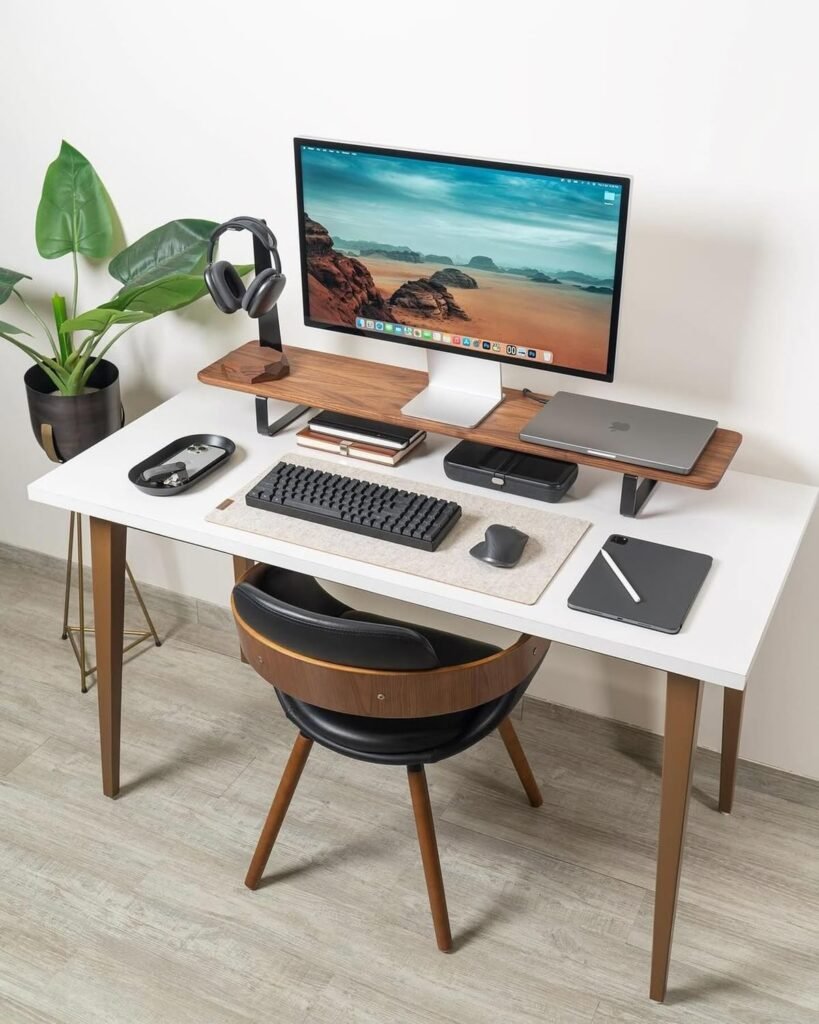
Mistake 2: Ignoring Lighting Quality
For months, I worked under dim overhead lighting.
At first it seemed fine, but over time I noticed:
- Eye strain
- Headaches
- Difficulty concentrating late in the day
Poor lighting is one of the most overlooked workspace problems.
Types of Lighting for Remote Work
| Lighting Type | Benefits | Best Use |
|---|---|---|
| Natural light | Boosts mood and energy | Daytime work |
| Desk lamp | Focused task lighting | Reading or writing |
| Ambient lighting | Balanced room brightness | General workspace |
| LED bias lighting | Reduces eye strain | Computer work |
Ideal Workspace Lighting Setup
The best setup usually combines:
- Natural window light
- Adjustable desk lamp
- Soft ambient room lighting
This prevents eye fatigue and improves long-term comfort.
Mistake 3: Poor Cable Management
Early in my remote setup, cables were everywhere.
Laptop charger.
Monitor cables.
Phone chargers.
Headphones.
After a while, my desk looked like a small jungle of wires.
Messy cables cause several problems:
- Visual clutter
- Reduced workspace
- Increased distraction
- Risk of pulling devices off the desk
Cable Management Solutions
| Solution | Cost | Difficulty |
|---|---|---|
| Cable clips | Low | Easy |
| Cable sleeves | Low | Easy |
| Under-desk trays | Medium | Moderate |
| Wireless devices | Medium | Easy |
Even small cable improvements can make your desk look cleaner and feel more organized.
Mistake 4: Sitting All Day Without Movement
This mistake affected both my health and my productivity.
When you work remotely, it’s easy to sit for 6–8 hours without moving much.
After several months I experienced:
- Lower back stiffness
- Reduced energy
- Slower thinking
Research consistently shows that long sitting periods reduce physical and mental performance.
Healthy Work Movement Schedule
| Time Interval | Action |
|---|---|
| Every 30 minutes | Stretch or stand |
| Every 60 minutes | Walk for 2–5 minutes |
| Every 2 hours | Take a longer break |
| End of day | Light exercise |
Easy Movement Ideas
- Standing desk sessions
- Quick stretch routines
- Short walks
- Light desk exercises
Movement helps reset focus and boost productivity.
Mistake 5: No Dedicated Work Zone
At first, I worked from everywhere:
- Couch
- Bed
- Kitchen table
- Living room chair
While this felt flexible, it caused an unexpected problem: my brain never fully switched into work mode.
Over time I realized something important.
Your brain associates locations with behaviors.
If you work from your bed, your brain struggles to separate:
- work time
- relaxation time
- sleep time
Benefits of a Dedicated Workspace
| Benefit | Impact |
|---|---|
| Mental focus | Stronger concentration |
| Productivity | Fewer distractions |
| Work-life balance | Easier to disconnect |
| Sleep quality | Improved nighttime rest |
Even a small desk in a quiet corner can dramatically improve productivity.
Mistake 6: Overloading the Desk with Gear
When people build a remote workspace, they often think:
“More equipment means better productivity.”
I made the same mistake.
My desk eventually had:
- Multiple monitors
- Tablets
- Speakers
- Notebooks
- Random gadgets
Instead of helping, it created visual noise and distraction.
Minimalist Workspace Principle
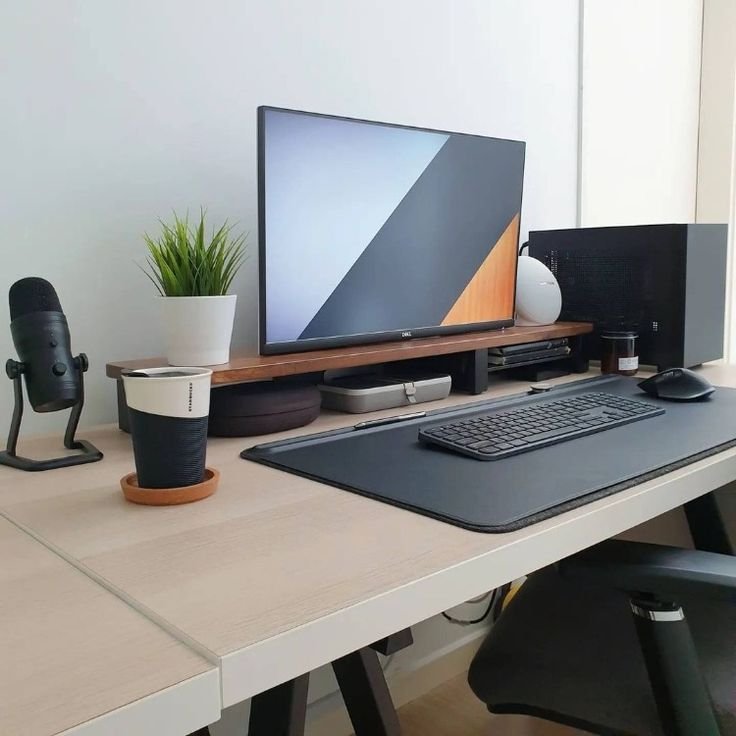
A good desk usually needs only:
- Computer or laptop
- Keyboard and mouse
- One notebook
- One lamp
- Water bottle
Minimal vs Cluttered Workspace
| Workspace Style | Focus Level | Stress Level |
|---|---|---|
| Minimal desk | High | Low |
| Cluttered desk | Medium | High |
A clean desk supports clear thinking.
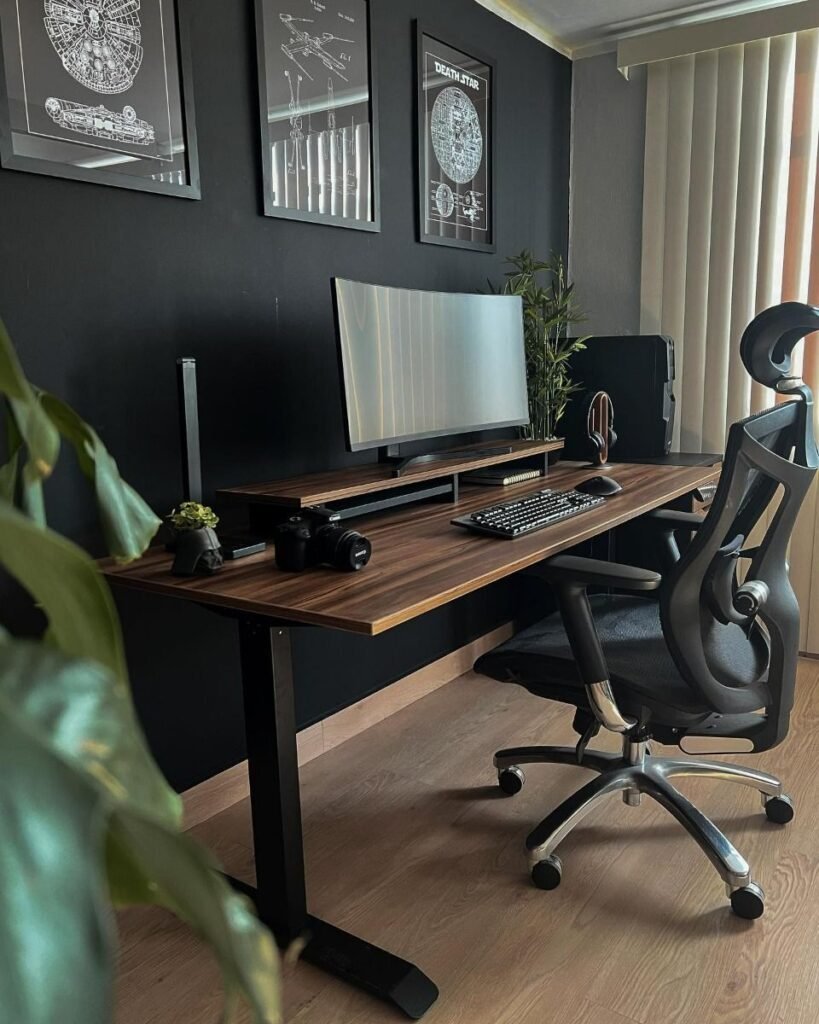
Simple Remote Workspace Optimization Checklist
Here’s a quick checklist to evaluate your current workspace.
Workspace Health Scorecard
| Area | Good Setup | Needs Improvement |
|---|---|---|
| Desk height | ✔ | |
| Comfortable chair | ✔ | |
| Lighting quality | ✔ | |
| Cable organization | ✔ | |
| Dedicated workspace | ✔ | |
| Minimal desk clutter | ✔ |
The more checkmarks you have, the more productive your workspace likely is.
Daily Remote Desk Life Routine for Productivity
Your workspace works best when combined with a healthy work routine.
Example Remote Work Schedule
| Time | Activity |
|---|---|
| 9:00 | Start work |
| 10:30 | Stretch break |
| 12:30 | Lunch break |
| 2:00 | Short walk |
| 4:00 | Focus session |
| 6:00 | End work |
Consistent routines help maintain long-term productivity.
The Biggest Lesson I Learned
The biggest lesson wasn’t about desks, lighting, or chairs.
It was this:
Your workspace silently shapes your work habits every day.
Tiny problems — poor lighting, messy cables, bad posture — slowly drain your focus and energy.
But small improvements can completely transform your work experience.
Once I fixed these six mistakes, I noticed:
- Less back pain
- Higher focus
- Better productivity
- More enjoyable workdays
A good remote workspace doesn’t need to be expensive.
It just needs to be intentional.
Frequently Asked Questions (FAQs)
1. What is the most important part of a remote workspace?
The most important elements are ergonomic comfort and lighting. A comfortable chair, correct desk height, and proper lighting prevent fatigue and improve productivity.
2. How big should a home workspace desk be?
A comfortable desk should be at least 40–48 inches wide so you have space for a laptop, accessories, and basic work tools.
3. Is natural light important for remote work?
Yes. Natural light improves mood, reduces eye strain, and helps maintain healthy sleep patterns.
4. Should I use a standing desk for remote work?
Standing desks can be beneficial if used correctly. Alternating between sitting and standing throughout the day helps reduce physical strain.
5. How do I make a small workspace more productive?
You can improve a small workspace by:
- Using vertical storage
- Keeping the desk minimal
- Managing cables
- Adding good lighting
Small changes can significantly improve efficiency.
6. How often should I take breaks when working remotely?
Experts recommend short breaks every 30–60 minutes to stretch, move, or rest your eyes. These breaks help maintain focus and prevent fatigue.