I still remember the first Monday I didn’t have to commute. I made coffee, sat down at my kitchen table with my laptop, and thought — this is going to be amazing. No office noise, no hour-long commute, no one interrupting me mid-thought.
By Wednesday, I had watched half a season of a show I wasn’t even that into, responded to emails at midnight to “feel productive,” and eaten lunch standing over the sink because I forgot to take a real break.
Remote work looked effortless from the outside. The reality was a completely different story.
I’ve now been working from home full-time for over two years. I’ve made mistakes, rebuilt my entire routine three times, tried more productivity apps than I can count, and slowly figured out what actually works — not what looks good in a YouTube setup tour.
Here are the five biggest productivity lessons I learned the hard way.
1. Your Environment Controls Your Brain More Than Your Willpower Does
For the first few weeks, I kept blaming myself for not being focused. I thought I just needed more discipline. More motivation. A better mindset.
Turns out, I just needed a better desk setup.
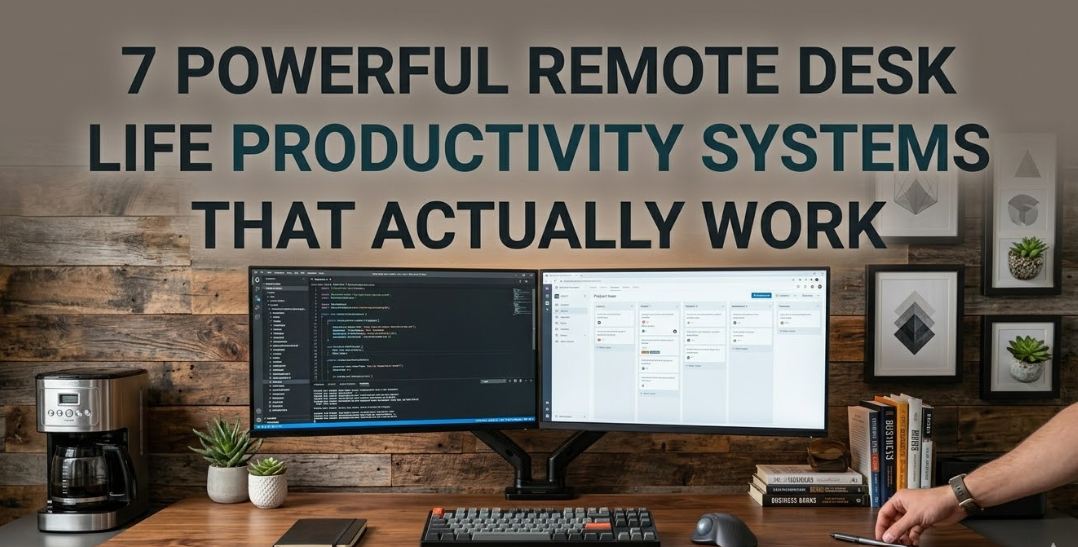
When you work in the same space where you relax, eat, and scroll your phone, your brain genuinely struggles to switch into “work mode.” The physical environment sends signals — and a cluttered, chaotic desk sends the wrong ones constantly.
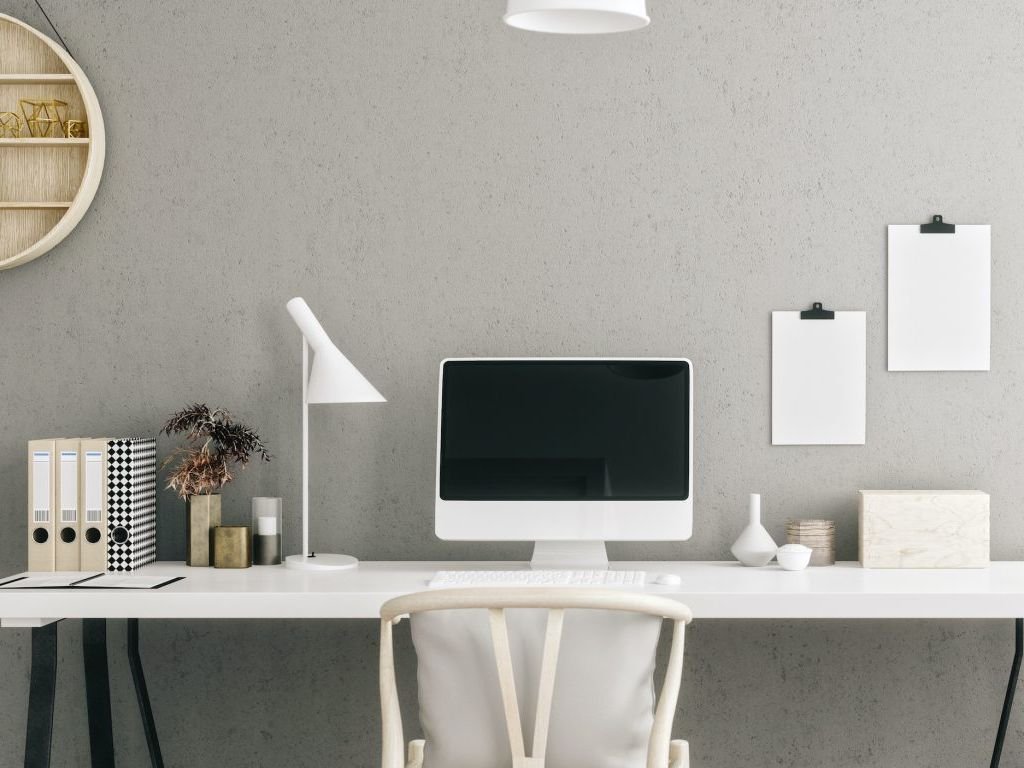
The moment I moved my workstation away from my bed, cleared the desk surface down to just the essentials, and stopped working from the couch entirely — my focus improved almost immediately. Not because I became a more disciplined person overnight, but because my environment stopped fighting me.
What actually helped me:
- A dedicated desk (even a small one) that I only use for work
- Keeping the desk surface minimal — laptop, a notepad, water bottle, nothing else
- Using a lamp with warm light for mornings and cooler white light during deep work hours
- Putting my phone in a drawer during focused blocks
If you want to go deeper on this, 11 Powerful Remote Desk Life Setup Essentials Every Remote Worker Needs is genuinely one of the most useful reads I came across when I was rethinking my space. It covers the physical side of remote work in a practical, non-overwhelming way.
The honest truth? Willpower is a limited resource. Your environment either drains it or protects it.
2. “Being Busy” and “Being Productive” Are Not the Same Thing
This one embarrassed me when I finally admitted it to myself.
I was answering Slack messages in real time, jumping between tasks every 20 minutes, always “doing something” — and at the end of the day, I couldn’t point to anything meaningful I had finished.
I was busy. I was not productive.
The problem was I had no structure for what I was working on or when. I just opened my laptop and reacted to whatever came at me. Emails, messages, notifications, random tasks I remembered — it all got equal attention, which means nothing got real attention.
Here’s the shift that changed everything for me: time blocking.
Instead of a to-do list I’d ignore, I started scheduling specific tasks into specific time slots on my calendar. Like actual calendar blocks. “9am–10:30am: finish client report draft.” “11am–12pm: emails and messages only.”
| Time Block | Task Type | Why It Works |
|---|---|---|
| 8:00–9:00 AM | Admin, emails, planning | Low-energy warm-up |
| 9:00–11:30 AM | Deep work (creative/complex tasks) | Peak mental energy |
| 11:30–12:00 PM | Quick responses, messages | Natural wind-down |
| 12:00–1:00 PM | Real lunch break (away from screen) | Mental reset |
| 1:00–3:30 PM | Meetings or collaborative tasks | Post-lunch social energy |
| 3:30–5:00 PM | Admin, planning next day, lighter work | End-of-day wind-down |
Your peak hours might look different — I’m a morning person, some people hit their stride at 10pm. The point is: know when you’re sharpest and protect that time for your most important work.
Tools that helped me here: Google Calendar for time blocking, Todoist for task capture, and Toggl for tracking where my time actually goes (that was a humbling exercise, by the way).
3. Boundaries Don’t Happen Automatically — You Have to Build Them
Nobody warned me that working from home could mean never actually leaving work.
When your office is your home, the workday has no natural end. There’s no commute that signals “work is over.” No one physically leaving the building around you. The laptop just sits there, and the thought “I’ll just check one thing real quick” turns into 9pm work sessions that leave you exhausted and weirdly resentful.
I fell into this trap hard. I thought putting in more hours meant I was working harder. What it actually meant was that I was working longer while achieving less, because my brain never got to properly rest.
The two changes that fixed this:
1. A hard shutdown time — and a ritual that marks it. I stop work at 6pm. No exceptions during weekdays. And I have a small closing ritual: I write down three things I finished that day, note my top priority for tomorrow, and physically close my laptop. That act of closing the laptop sounds small but it genuinely signals to my brain that the workday is done.
2. Separate digital spaces for work and personal life. I use different browser profiles — one strictly for work tools (Google Workspace, project management, Notion), one for personal browsing. I also turned off work app notifications on my personal phone after 6pm. These friction points sound minor but they stop the automatic “just checking” behavior before it starts.
If you’re struggling with this, 6 Proven Remote Desk Life Focus Habits I Wish I Knew Earlier has some really practical advice on building the kind of structure that makes remote work sustainable long term — not just for a week.
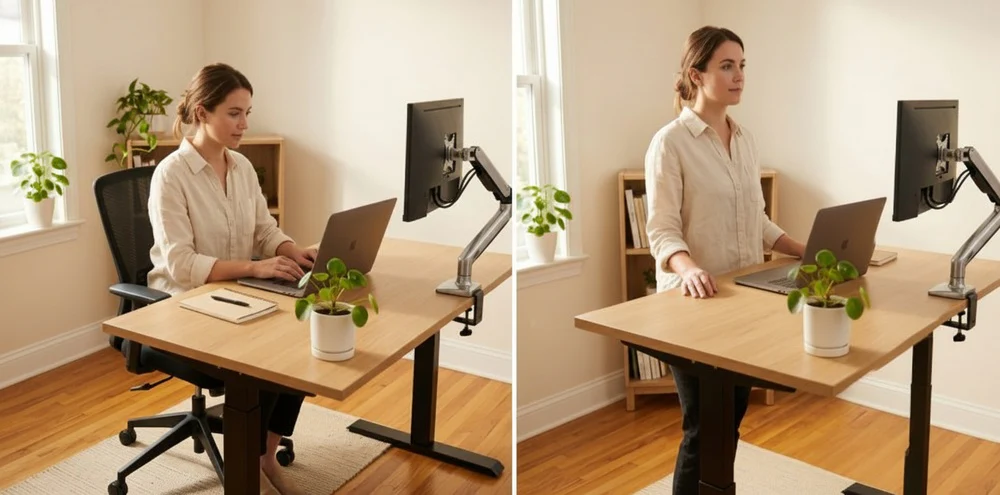
4. Your Chair and Screen Position Are Affecting Your Output — Silently
This is the lesson I resisted the longest because it felt like an excuse.
“My back hurts but I’m still working, so it’s fine.”
It’s not fine. And it’s not just about comfort — it’s about how physical discomfort quietly drains your mental capacity over the course of a day.
Around month four of working from home, I started getting persistent neck pain and headaches by early afternoon. I assumed it was stress. Turned out my monitor was about 8 inches too low, I was hunching forward constantly, and my chair had zero lumbar support.
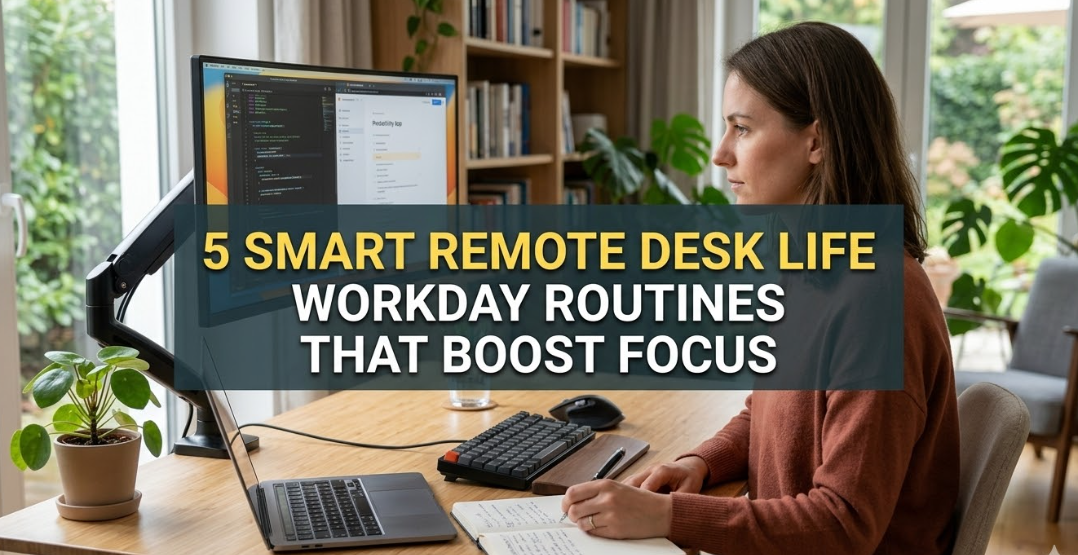
Once I fixed those three things — raised the monitor to eye level using a simple stand, switched to a chair with proper back support, and added a small lumbar cushion — those afternoon headaches disappeared within a week.
Here’s a quick ergonomics checklist I now follow:
| Element | Correct Position | Common Mistake |
|---|---|---|
| Monitor height | Top of screen at eye level | Too low, causing neck strain |
| Monitor distance | Arm’s length away (~50–70cm) | Too close, causing eye strain |
| Chair height | Feet flat on floor, thighs parallel | Too high or too low |
| Lumbar support | Curves naturally match lower back | Sitting in hollow, unsupported position |
| Keyboard & mouse | Elbows at ~90 degrees | Arms reaching forward or upward |
| Wrist position | Neutral, not bent up or down | Resting wrists while typing |
You don’t need a $1,200 ergonomic chair to get this right. I made a significant improvement with a $35 lumbar cushion and a $20 monitor stand. Start with what’s hurting first — usually neck and lower back — and fix those before spending money on anything else.
For a more thorough breakdown, 9 Powerful Remote Desk Life Ergonomic Tips for Home Office Workers goes into genuine detail on this. It covers positions and adjustments I hadn’t even thought about.
The bottom line: if you’re uncomfortable, your brain is burning energy managing that discomfort all day. That’s energy stolen from your actual work.
5. Morning Routines Matter More When No One Is Waiting For You
In an office, the act of commuting and arriving creates a natural transition into work mode. You get up, get dressed, travel somewhere, sit down — and you’re mentally at work before you’ve even opened your laptop.
At home, none of that exists unless you create it.
My first few months, I’d roll out of bed and open my laptop within 15 minutes. On paper, that sounds efficient. In practice, I was starting my workday foggy, reactive, and already stressed before 9am because I’d jumped straight into emails and notifications.
The fix wasn’t some 5am wellness routine with cold plunges and journaling (I tried that — lasted four days). It was a simple 30-minute buffer between waking up and starting work.
My current morning structure (realistic version):
- Wake up, no phone for the first 20 minutes
- Coffee, something to eat, move around a bit
- Quick review of what I’m working on today (2 minutes, written the night before)
- Sit down at my desk — this is when work starts
That’s it. No meditation app required. The key is that by the time I open my laptop, I already know what I’m working on. I don’t start the day by figuring out what to do — I start it by doing.
The second thing that changed my mornings: I stopped checking email first. I spend the first 60–90 minutes of my workday on whatever my most important task is. Email and Slack get checked after that. This one habit probably doubled the meaningful output I produce before noon.
The Mistake I See Most Remote Workers Make
Before I wrap up — there’s one common mistake that ties all of these lessons together.
Most people treat remote work like it’s just office work, but at home. Same habits, same reactive workflows, same lack of physical attention. They’re basically trying to do in-office work in a space that isn’t built for it, with no structure to replace what the office environment used to provide.
Remote work requires you to be intentional about things that were previously automatic — your space, your schedule, your physical setup, your boundaries, your routines. None of it happens by default.
The good news is that once you get these things right, remote work becomes genuinely better than office work. The flexibility is real. The focus you can achieve in a well-designed home setup often beats an open-plan office easily. You just have to build the conditions for it.
It took me about a year to figure out most of this. Hopefully some of it saves you a few months of unnecessary headaches — literal and figurative.
Also worth reading: If you’re dealing with a small or cluttered workspace specifically, 7 Essential Remote Desk Life Workspace Setup Tips for Small Homes has some smart, practical ideas for making limited space work really well for you.