I’ll be honest — there was a period last year where I was clocking 10-hour days and still ending with half my task list undone. Sound familiar?
I’d sit down at 9 AM, feel “busy” the entire day, and somehow make it to 6 PM with three urgent things still hanging over my head. I wasn’t lazy. I wasn’t distracted (well, okay, sometimes). The problem was I had zero real system. Just vibes and a to-do list I hated looking at.
It took me a few months of trial, error, and some embarrassingly late deadlines before I figured out what actually worked. Not the Pinterest-perfect productivity tips. Real habits that helped me close my laptop on time — actually done for the day.
These six habits changed how I work from home. And I think at least a few of them will click for you too.
1. I Stopped “Warming Up” and Started With the Hardest Task First
For the longest time, I’d start my mornings by checking emails, responding to a few Slack messages, maybe reorganizing my Notion board a little. Felt productive. Was not productive.
I was warming up with easy stuff so I could avoid the hard thing waiting for me. And by the time I actually got to the hard task — a report, a complex build, a long article — my brain was already half-tired from the noise.
Then I tried something called the “eat the frog” method. Basically: do your most dreaded, most important task first thing in the morning before anything else.
Here’s how I actually apply it:
- The night before, I write down ONE task that must get done tomorrow. Not five. One.
- When I wake up, I don’t open email or Slack. I open that task first.
- I give it 60–90 minutes of uninterrupted time before checking any messages.
The result? That one task gets done before most people have finished their morning coffee. Everything else that day feels lighter because the big thing is already handled.
The mistake I made early on was picking “check emails” as my top priority. That’s not a priority — that’s an inbox management habit dressed up as work.
2. Time Blocking Actually Works (When You’re Realistic About It)
I tried time blocking before and it failed spectacularly. I’d build this beautiful color-coded Google Calendar schedule — 9 to 10 writing, 10 to 11 client calls, 11 to 12 deep work — and by 9:45, something would blow it up.
The issue wasn’t time blocking. It was that I was scheduling like a robot, not a human.
Now I time block with buffer zones built in. Here’s roughly what my day looks like:
| Time | Block | Notes |
|---|---|---|
| 8:30–9:00 AM | Morning startup ritual | Coffee, quick review of priorities |
| 9:00–11:00 AM | Deep work block | No calls, no Slack |
| 11:00–11:15 AM | Buffer / break | Stretch, water, quick walk |
| 11:15 AM–1:00 PM | Communication block | Emails, Slack, calls |
| 1:00–2:00 PM | Lunch + real break | Phone down, step outside |
| 2:00–4:00 PM | Second deep work or meetings | Depends on the day |
| 4:00–4:30 PM | Wrap-up + tomorrow’s plan | Shutdown ritual |
Notice those buffer zones? They save me. Because something always runs over. A call goes 10 minutes long. A task is harder than expected. Buffer time means one hiccup doesn’t collapse the entire day.
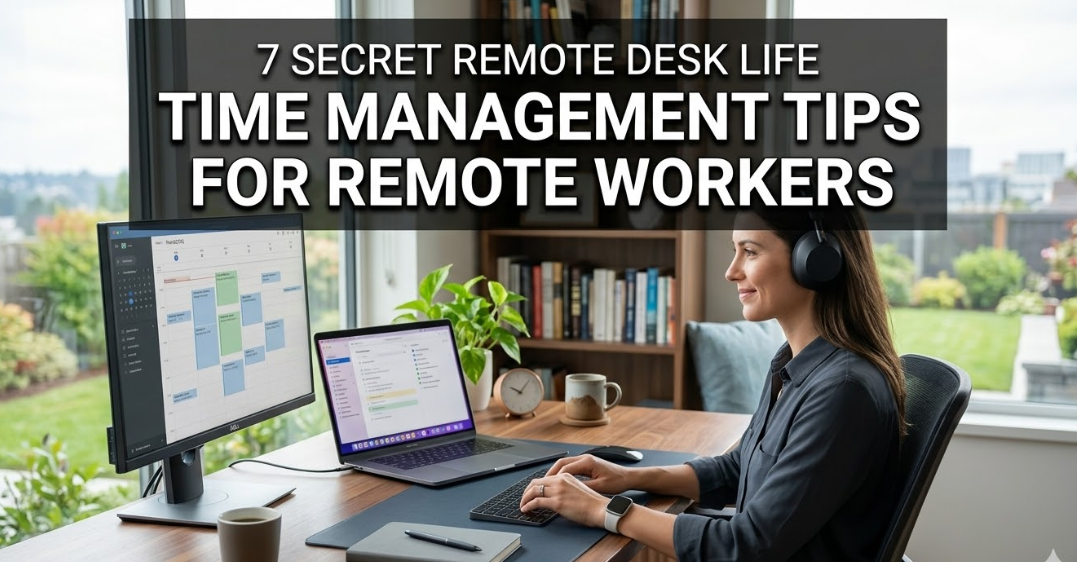
I use Google Calendar for this and keep the blocks color-coded by category. Makes it visual at a glance.

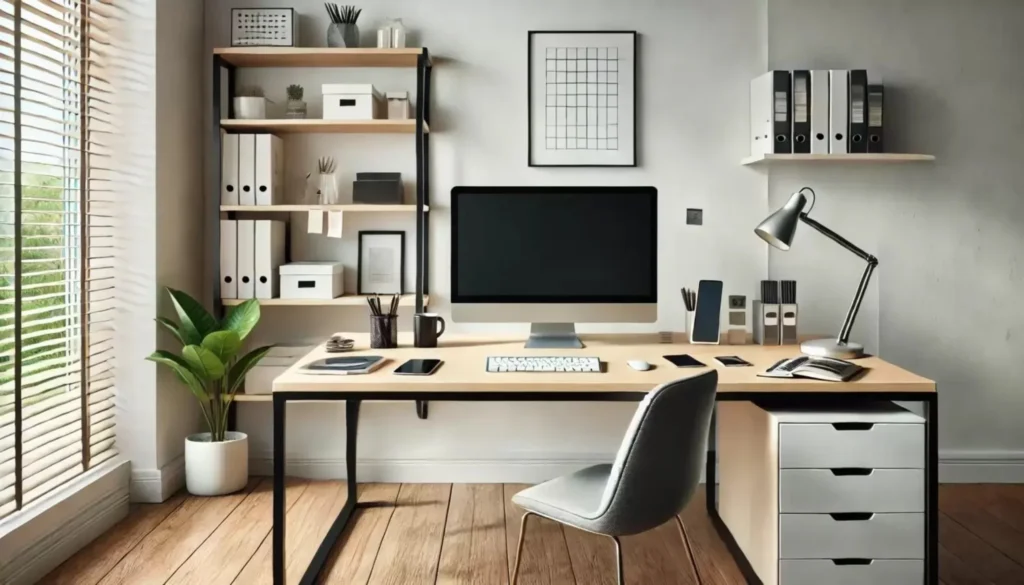
3. My Workspace Setup Does Half the Productivity Work for Me
This one took me way too long to take seriously. I used to work from my couch, from my kitchen table, from wherever I happened to sit down. And I wondered why I couldn’t focus.
Your environment is constantly sending your brain signals. A cluttered desk says “chaos.” A couch says “Netflix and nap.” A dedicated, clean workspace says “we work here.”
Once I committed to a proper remote desk life setup, everything shifted. My focus improved within days — not weeks.
Here’s what made the biggest difference for me specifically:
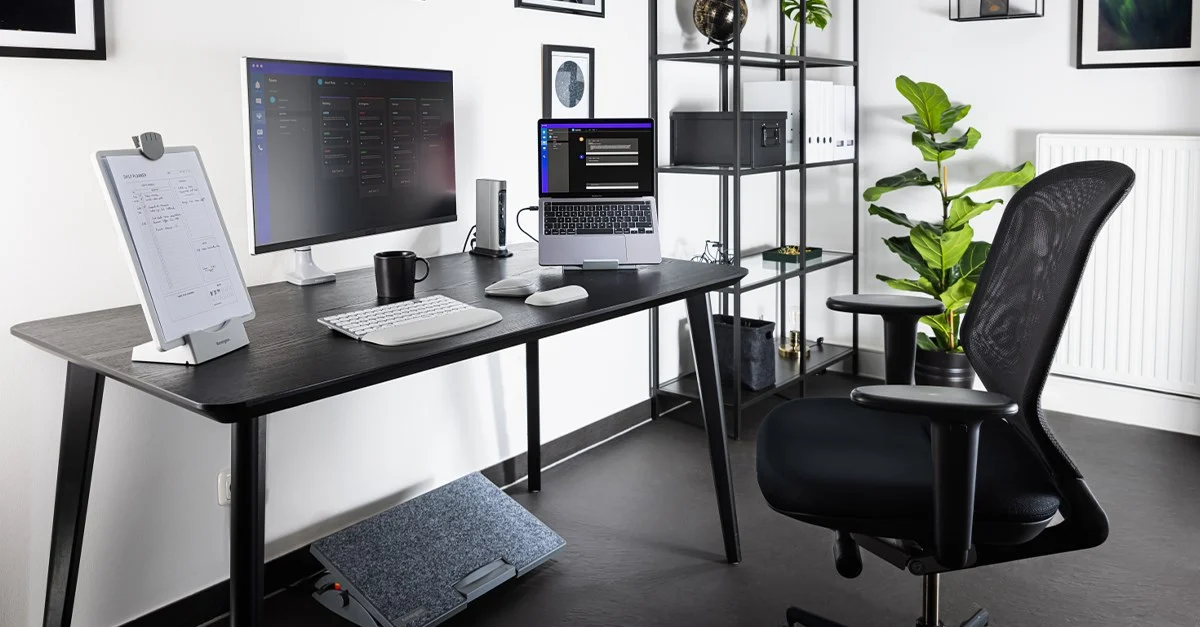
- A second monitor — I cannot overstate how much this improved my output. Having research on one screen and my writing on the other eliminates constant tab switching.
- A proper chair — I was using a dining chair for eight months. My back paid for it. An ergonomic chair isn’t a luxury. It’s a tool.
- Dedicated desk lighting — Natural light where possible, a desk lamp for cloudy days. Eye strain was silently draining my energy every afternoon.
- Everything off the desk that doesn’t belong — Phone face down (or in another room), notebook at arm’s reach, nothing else.
The physical setup is like putting on your work clothes. It signals to your brain: this is work time now.
4. The “Two-Minute Rule” Cleared My Mental Clutter Faster Than Any App
I discovered this through David Allen’s Getting Things Done and it sounds almost too simple — but it genuinely works.
The rule: if a task takes less than two minutes, do it immediately instead of adding it to a list.
Reply to that quick message? Two minutes. Do it now. Send that invoice you’ve been “meaning to”? Ninety seconds. Done. Update that one line in your doc? One minute. Go.
Before I adopted this, I had a running task list full of tiny things that kept getting pushed. They weren’t hard. They were just piling up mentally, creating this background noise of “I still haven’t done that.”
Clearing those micro-tasks as they appear freed up mental RAM I didn’t even realize I was spending.
What doesn’t count as two minutes:
- Tasks that feel quick but actually need research
- Anything requiring creative thinking or decisions
- Replies that need careful wording (like client disputes)
Those go on the actual list. The rule is specifically for genuinely tiny tasks that you keep deferring for no good reason.
5. I Batch Similar Tasks Together and It Cut My Switching Costs in Half
Here’s something nobody told me when I started working remotely: task switching has a real cognitive cost. Every time you switch from writing to answering emails to jumping on a call to editing a document — your brain pays a switching tax each time.
I used to check emails constantly throughout the day. Every notification pulled me out of whatever I was doing. I’d come back and spend 5–10 minutes getting back into the flow. Multiply that by 15 interruptions a day and I was basically bleeding hours.
Now I batch similar tasks into dedicated windows:
- Emails and messages: Twice a day — once around 11 AM, once around 4 PM. That’s it.
- Creative or writing work: Always in my morning deep work block when my brain is freshest.
- Admin tasks (invoicing, scheduling, updating trackers): Friday afternoons, batched together.
- Calls and meetings: Tuesdays and Thursdays whenever possible — I try to protect Mondays and Fridays as heads-down days.
The first week felt uncomfortable. People weren’t getting instant replies and my anxiety spiked a little. But nothing caught fire. And I finished projects in half the time I used to.
If you want to go deeper on this, pairing task batching with solid remote work productivity habits makes a massive difference.
6. A Shutdown Ritual Tells My Brain “Work Is Actually Over”
This might be the most underrated habit on this list.
When you work from home, there’s no physical commute that signals the end of the workday. No drive home, no train ride, no walking out of a building. You just… stop working. And because your laptop is right there, you never really stop.
I used to “finish” work at 5 PM and then check Slack again at 5:30. Then glance at email at 7. Then think about work problems in bed. I wasn’t recovering. I was just taking breaks between work sessions.
A shutdown ritual creates a clear psychological boundary. Mine looks like this:
My 20-minute end-of-day routine:
- Review what got done today — I check off completed tasks in Notion. Genuinely satisfying.
- Write tomorrow’s top 3 priorities — So I’m not lying awake thinking about it.
- Clear my desk — Literally 60 seconds. Anything that doesn’t belong gets moved.
- Close all tabs and apps — Not minimize. Close.
- Say out loud (yes, really): “Shutdown complete.” — It sounds ridiculous but it works as a mental trigger.
After a few weeks, your brain starts to recognize the ritual as the end-of-work signal. The anxious “did I forget something?” feeling fades because you’ve already captured it all.
For this to work, your workspace needs to cooperate too. I started applying some organization tips for minimal workspaces that made the end-of-day cleanup even faster — when everything has a place, putting it there takes seconds instead of minutes.
The Honest Mistakes I Made Before Getting This Right
Before wrapping up, I want to flag the traps I fell into — because most of these habits only clicked after I messed them up first.
Mistake 1: Trying to implement all of this at once. I burned out on productivity systems by overhauling everything in one week. Pick one habit. Stick to it for two weeks. Then add another.
Mistake 2: Building a perfect system instead of a working one. I spent more time color-coding my Notion setup than actually using it. Done is better than beautiful.
Mistake 3: Ignoring the physical side. I optimized my apps and systems for months while sitting in an uncomfortable chair under bad lighting. The body affects the brain. Fix the physical stuff.
Mistake 4: No communication with the people around you. If you live with others, they need to know your deep work blocks are real. I had to have an actual conversation with my family about this. Awkward once, worth it always.
A Quick Snapshot: What My Productive Day Actually Looks Like
| Habit | Tool / Method | Time Saved |
|---|---|---|
| Eat the frog | Paper to-do list, 1 task | 1–2 hrs of mental drag |
| Time blocking | Google Calendar | Prevents decision fatigue |
| Workspace setup | Dedicated desk, monitor, ergonomic chair | Focus quality improvement |
| Two-minute rule | No app needed | Clears mental backlog |
| Task batching | Calendar + Focus mode | 1–2 hrs of context switching |
| Shutdown ritual | Notion + physical desk clear | Reclaims evenings |
Final Thoughts
None of this is magic. It’s just a bunch of small decisions that, when stacked together, change how your day feels and how much you actually get done.
The goal isn’t to be a productivity machine — it’s to finish your work during work hours so the rest of your day is actually yours.
Start with one habit. The shutdown ritual is a good first pick because it has zero downside and most people notice a difference within days.
And if your physical setup is still a mess? That’s probably where the biggest gains are hiding. A clean, ergonomic, intentional workspace changes the game more than any app ever will.
Also worth reading: 8 Proven Remote Desk Life Setup Tricks for Comfortable Workdays — some practical upgrades I personally tried that made long work hours significantly more bearable.