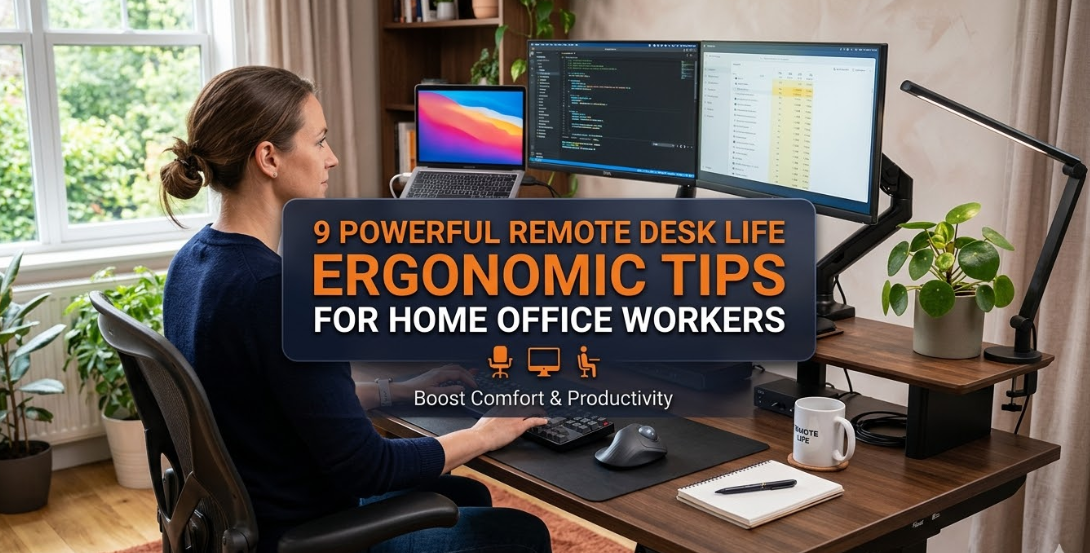
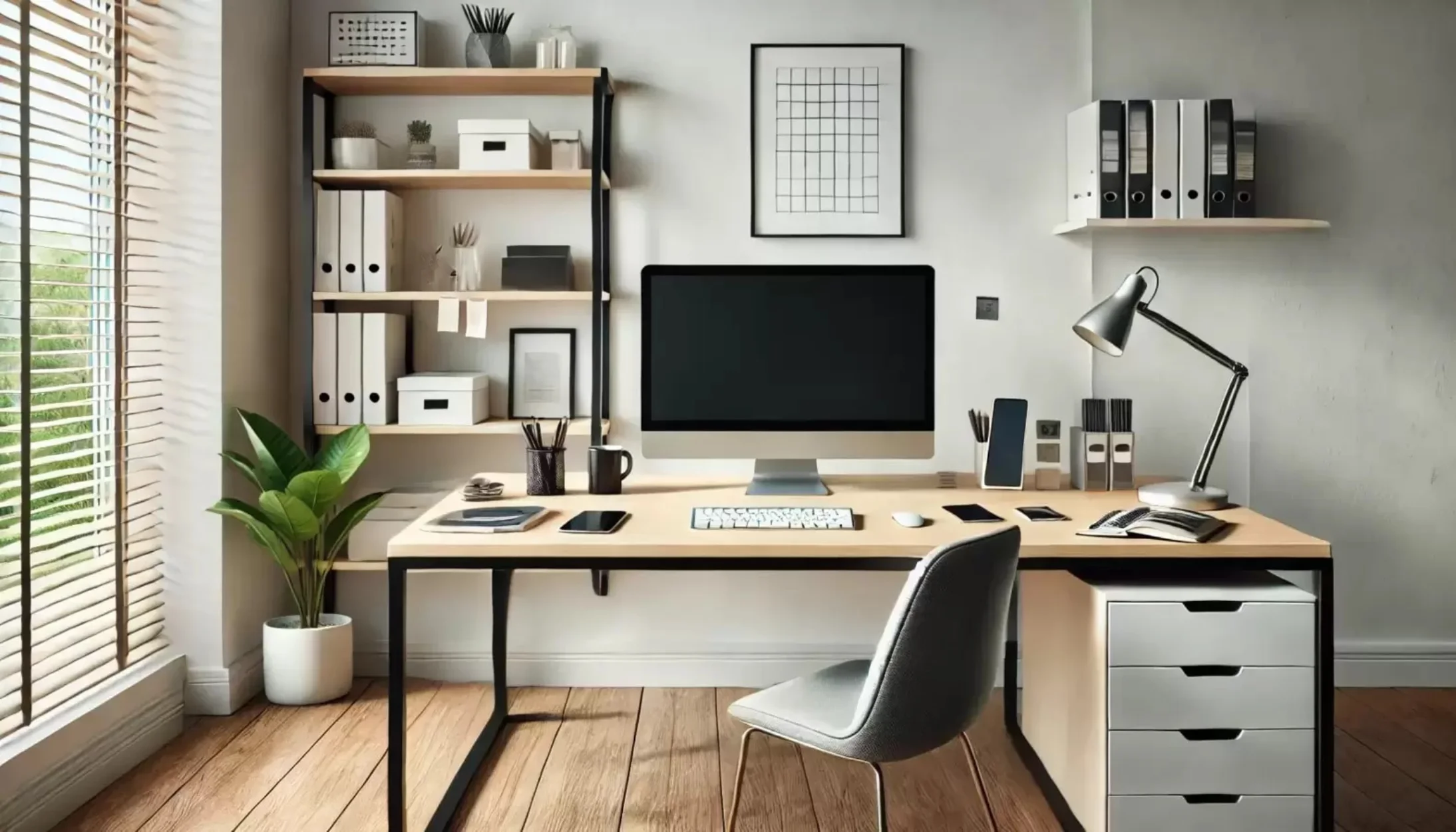
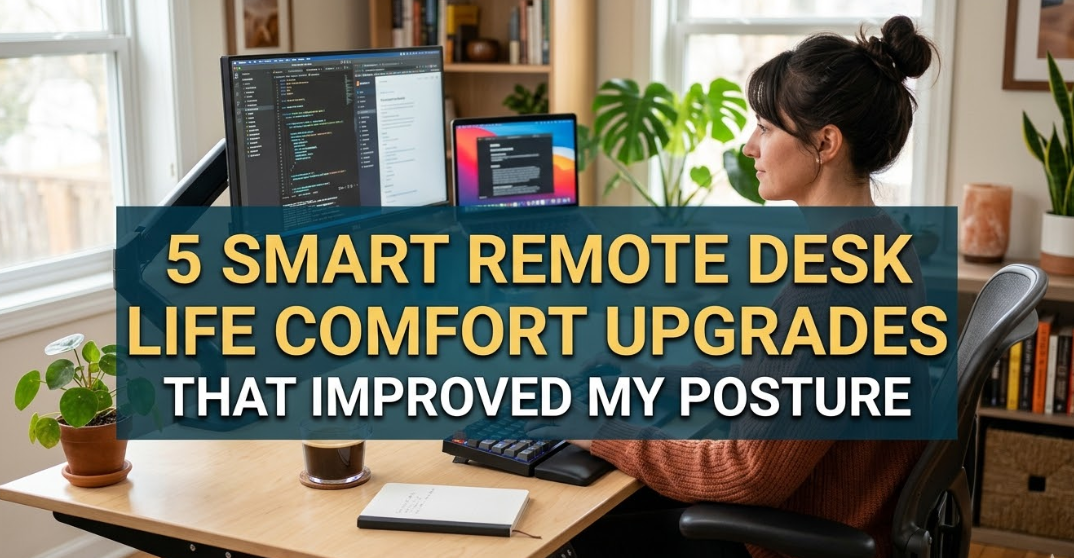
6 Easy Remote Desk Life Comfort Lessons I Learned Working From Home
Working from home sounded like a dream when I first started doing it. No commute, flexible schedules, and the ability to work in comfortable clothes. But after the excitement wore off, I discovered something unexpected: working from home can be physically and mentally uncomfortable if your workspace isn’t set up properly.
During my first few months of remote work, I experienced sore shoulders, tired eyes, cluttered desks, and productivity slumps. Over time, I experimented with different setups and habits until I finally built a workspace that felt both productive and comfortable.
These experiences taught me several practical lessons that made remote work significantly easier. None of them required expensive equipment or complicated systems — just simple adjustments that made a huge difference.
Here are six easy Remote Desk Life comfort lessons I learned while working from home.
Lesson 1: Your Chair Matters More Than Your Desk
One of my earliest mistakes was assuming my regular dining chair would work fine as an office chair. After all, I was only sitting for a few hours at a time… or so I thought.
In reality, I was sitting 6–8 hours every day, and my back quickly started to feel the consequences.
Signs Your Chair Isn’t Supporting You
Many remote workers ignore these early warning signs:
- Lower back stiffness
- Neck strain
- Tingling legs
- Poor posture
- Frequent stretching or discomfort
These symptoms usually appear when your chair doesn’t properly support your body.
Essential Chair Comfort Features
| Feature | Why It Matters | Comfort Benefit |
|---|---|---|
| Adjustable Height | Keeps feet flat on the floor | Reduces leg strain |
| Lumbar Support | Supports lower back curve | Prevents back pain |
| Armrests | Supports elbows while typing | Reduces shoulder tension |
| Breathable Material | Prevents overheating | Improves long-term comfort |
Simple Fixes Without Buying a New Chair
If buying a new chair isn’t possible, these quick fixes can help:
- Use a firm pillow for lumbar support
- Place a small footrest or stack of books under your feet
- Adjust monitor height to avoid leaning forward
After making these adjustments, I noticed my back pain decreased dramatically.
Lesson learned: your chair is the foundation of your remote workspace comfort.
Lesson 2: Desk Height Can Make or Break Your Comfort
Before working remotely, I never thought about desk height. But it quickly became obvious that typing with my wrists bent upward or downward caused discomfort.
Ideal Desk Ergonomics
A properly positioned desk allows your arms to form a relaxed 90-degree angle.
| Desk Element | Ideal Position |
|---|---|
| Elbows | Level with desk surface |
| Wrists | Straight while typing |
| Monitor | Top of screen at eye level |
| Feet | Flat on the floor |
Signs Your Desk Is the Wrong Height
Common symptoms include:
- Wrist fatigue
- Shoulder tension
- Leaning forward toward the screen
- Slouching posture
Quick Desk Adjustment Tips
You can improve desk ergonomics without buying a new desk:
- Raise your monitor using books or a stand
- Use a keyboard tray
- Adjust your chair height first
Small changes can dramatically improve comfort over long workdays.
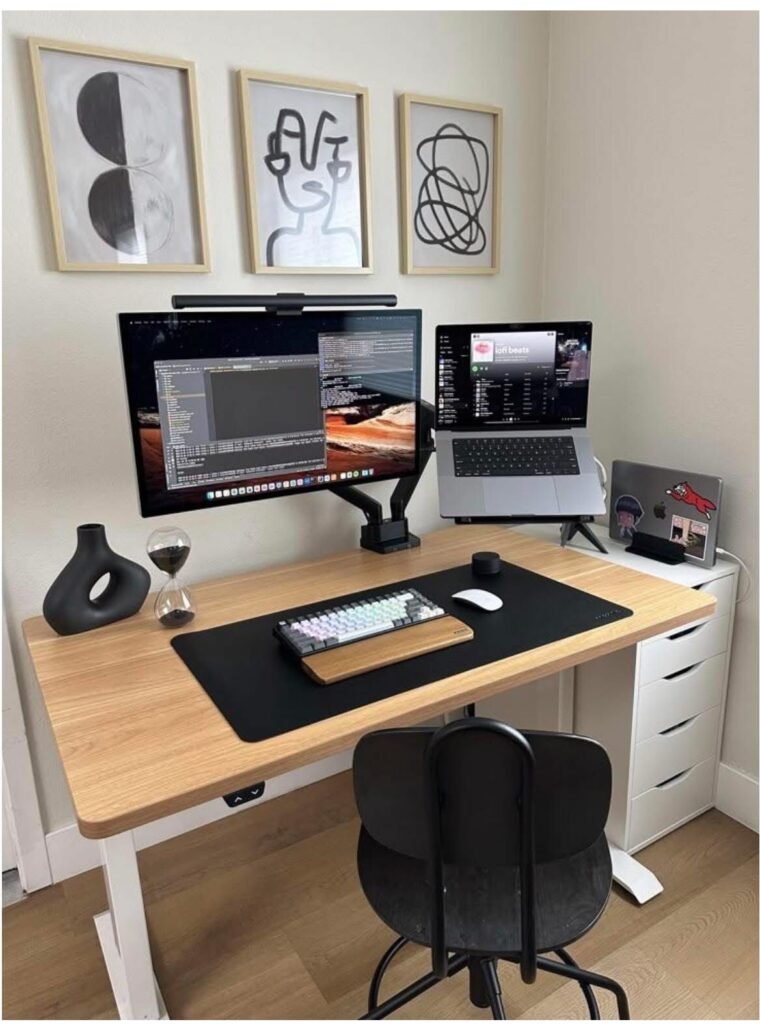
Lesson 3: Lighting Is a Productivity Superpower
Lighting was one of the most overlooked parts of my home workspace. At first, I worked in a dim corner of my room with only a ceiling light.
After a few weeks, I started noticing:
- Eye strain
- Headaches
- Difficulty focusing
Natural Light Improves Focus
Studies show that exposure to natural light can improve concentration and mood.
If possible, position your desk near a window. However, avoid placing the screen directly in front of the window to prevent glare.
Best Lighting Setup for Remote Work
| Lighting Type | Benefits | Placement Tip |
|---|---|---|
| Natural Light | Boosts mood & alertness | Side of desk |
| Desk Lamp | Focused task lighting | Opposite writing hand |
| Soft Ambient Light | Reduces contrast | Behind monitor |
A Simple Lighting Rule
Think of lighting in layers:
- Natural light
- Desk lamp
- Ambient room light
Combining these creates a balanced workspace that reduces eye fatigue.
Lesson 4: A Clean Desk Equals a Clear Mind
One surprising lesson I learned was how much desk clutter affected my ability to focus.
At one point my desk looked like this:
- Coffee mugs
- Sticky notes everywhere
- Random cables
- Papers stacked everywhere
Every time I sat down to work, my mind felt overwhelmed.
How Clutter Affects Productivity
Research suggests clutter can increase cognitive load and reduce mental clarity.
When your desk is messy, your brain processes unnecessary visual information.
Simple Desk Organization System
Here is the system that worked for me.
| Desk Zone | Purpose |
|---|---|
| Work Zone | Laptop, keyboard, mouse |
| Tool Zone | Notebook, pen, planner |
| Storage Zone | Drawer or organizer |
The 60-Second Reset Rule
At the end of each workday, spend one minute resetting your desk:
- Put tools back
- Throw away trash
- Organize cables
Starting the next day with a clean workspace feels incredibly refreshing.
Lesson 5: Movement Breaks Prevent Burnout
One of the biggest downsides of remote work is sitting for too long.
In a traditional office, people naturally move more — walking to meetings, coffee breaks, or chatting with coworkers.
At home, it’s easy to stay in the same chair for hours.
The Health Risks of Sitting Too Long
Extended sitting can lead to:
- Back pain
- Reduced circulation
- Lower energy
- Mental fatigue
Simple Movement Routine
I started following a simple movement routine during work hours.
| Time Interval | Activity |
|---|---|
| Every 30 minutes | Stand and stretch |
| Every 1 hour | Walk for 2 minutes |
| Every 2 hours | Short break away from screens |
These small breaks improved both energy levels and concentration.
Easy Desk Stretches
Some stretches you can do right at your desk include:
- Shoulder rolls
- Neck rotations
- Wrist stretches
- Standing hamstring stretch
After implementing regular movement breaks, my afternoon fatigue disappeared.
Lesson 6: Personal Comfort Boosts Motivation
The final lesson I learned was that comfort is personal.
Some people enjoy minimalist desks, while others prefer cozy workspaces.
Once I started adding small personal touches, working from home became much more enjoyable.
Comfort Items That Improve Remote Work
| Comfort Item | Why It Helps |
|---|---|
| Desk plant | Reduces stress |
| Comfortable keyboard | Improves typing comfort |
| Cozy desk lamp | Creates warm environment |
| Favorite mug | Encourages hydration |
| Soft background music | Improves focus |
My Personal Workspace Additions
The small things that made the biggest difference for me were:
- A small desk plant
- A warm desk lamp
- A comfortable wrist rest
These simple additions made my workspace feel inviting instead of purely functional.
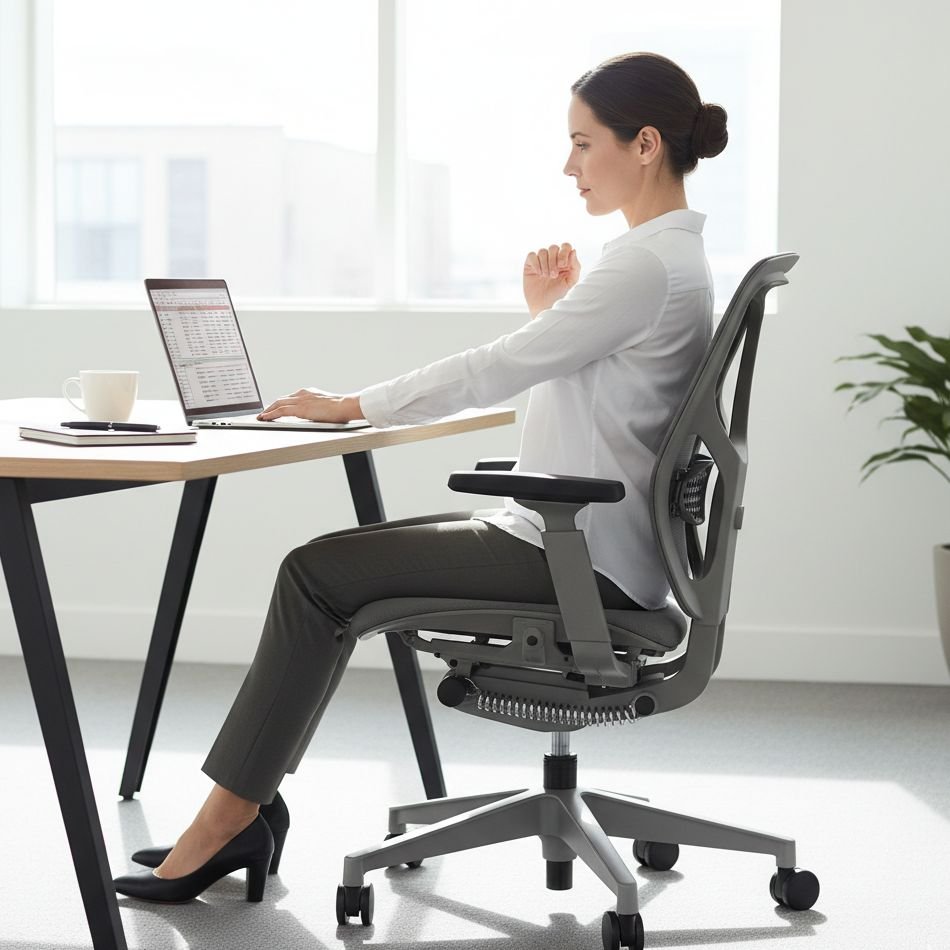
Comparing Comfortable vs Uncomfortable Workspaces
Here is a quick comparison showing how small changes improve remote work comfort.
| Workspace Factor | Uncomfortable Setup | Comfortable Setup |
|---|---|---|
| Chair | Dining chair | Ergonomic support |
| Desk | Too high or low | Neutral arm position |
| Lighting | Dim or harsh | Balanced lighting |
| Desk | Cluttered | Organized |
| Movement | Sitting all day | Regular breaks |
| Environment | Plain and dull | Personalized |
Final Thoughts
Working from home can be incredibly rewarding, but comfort plays a crucial role in maintaining productivity and well-being.
The good news is that improving your workspace doesn’t require expensive furniture or complicated setups.
The six lessons that transformed my remote work experience were simple:
- Invest in chair comfort
- Adjust desk ergonomics
- Improve lighting
- Keep your desk organized
- Take regular movement breaks
- Personalize your workspace
When combined, these small adjustments create a workspace that supports both your health and productivity.
Remote work isn’t just about where you work — it’s about how comfortable and focused you feel while doing it.
Frequently Asked Questions (FAQs)
1. What is the most important part of a remote workspace?
The chair is usually the most important element because you spend hours sitting. Proper lumbar support and adjustable height can significantly reduce back pain.
2. How often should remote workers take breaks?
A good rule is to stand or stretch every 30 minutes and take a short walking break every hour.
3. Does lighting really affect productivity?
Yes. Proper lighting reduces eye strain, improves mood, and helps maintain focus during long work sessions.
4. How can I make a small desk more comfortable?
Use vertical storage, keep only essential items on the desk, and add a few personal comfort items like a desk lamp or plant.
5. Is an expensive desk necessary for remote work?
No. Many people work comfortably with simple desks as long as the height and ergonomics are correct.
6. What is the easiest way to improve workspace comfort?
Start with three simple steps: adjust chair height, raise your monitor to eye level, and reduce desk clutter.