I still remember the day I sat down at my “home office” — which was really just a folding table shoved in the corner of my bedroom — and wondered why I felt exhausted by noon every single day. My back hurt, I couldn’t focus, and somehow I was less productive working from home than I ever was in a noisy open-plan office.
It took me a few months of trial, error, and way too many YouTube rabbit holes to figure out that my setup was actively working against me. Not my work ethic. Not my schedule. My desk setup.
So here are the 7 mistakes I made — and how I fixed every single one of them.
1. My Monitor Was at the Wrong Height (and My Neck Paid for It)
For the first three months, I had my laptop sitting flat on the desk. No stand. No riser. Just the laptop, screen tilted up at whatever angle felt “fine” in the moment.
It didn’t feel fine. By 3 PM, I had a headache behind my eyes and a stiff neck that made turning to check the door feel like an actual workout.
The fix was embarrassingly simple: a monitor stand. I grabbed a basic one from Amazon for around $25, and the difference was immediate. The top of your screen should sit at or just below eye level. That one change alone probably saved me 30 minutes of afternoon sluggishness every day.
If you’re on a laptop and don’t want to buy a stand right now, stack some thick books underneath it. Seriously. I did that for two weeks while waiting for my stand to arrive and it worked perfectly fine. Just pair it with an external keyboard so you’re not hunching down to type.
| Monitor Position | Effect on Productivity |
|---|---|
| Too low (flat on desk) | Neck strain, headaches, eye fatigue |
| Too high (above eye level) | Upper back and shoulder tension |
| At eye level | Neutral posture, less fatigue, longer focus |
2. I Was Sitting in the Wrong Chair — Completely Wrong
I had one of those “gaming chairs” that looked really cool in photos. Big, red, lots of lumbar pads. Felt amazing for the first 20 minutes. After that? My lower back was screaming.
Here’s the thing nobody tells you about gaming chairs: they’re designed for a reclined, casual posture. For gaming sessions where you’re relaxed. When you’re working — leaning forward slightly, typing, concentrating — they’re actually not great.
I eventually switched to a basic ergonomic office chair with adjustable armrests and proper lumbar support. Nothing expensive. I paid around $180 for mine (a Sihoo M18). The gaming chair collected dust in the corner.
What actually matters in a work chair:
- Seat height should let your feet rest flat on the floor
- Lumbar support should fill the natural curve of your lower back
- Armrests should keep your elbows at roughly 90 degrees
- Seat depth shouldn’t press into the back of your knees
If you’re curious about what ergonomic fixes actually make a difference long-term, I’ve documented a bunch of them over at 7 Essential Remote Desk Life Ergonomic Fixes for Pain-Free Workdays.
3. My Desk Was Covered in Clutter (And I Didn’t Think It Mattered)
Sticky notes. Old receipts. A mug with three pens and a highlighter I haven’t touched in six months. A charging cable that didn’t belong to anything I currently owned.
I thought clutter was just aesthetic — a personal preference, not a performance issue. I was wrong.
There’s a reason designers and productivity researchers both say that physical clutter creates mental clutter. When your eyes keep landing on random objects, your brain registers them as unfinished business. It’s subtle, but it’s real. You feel slightly more anxious, slightly less focused, and you can’t fully explain why.
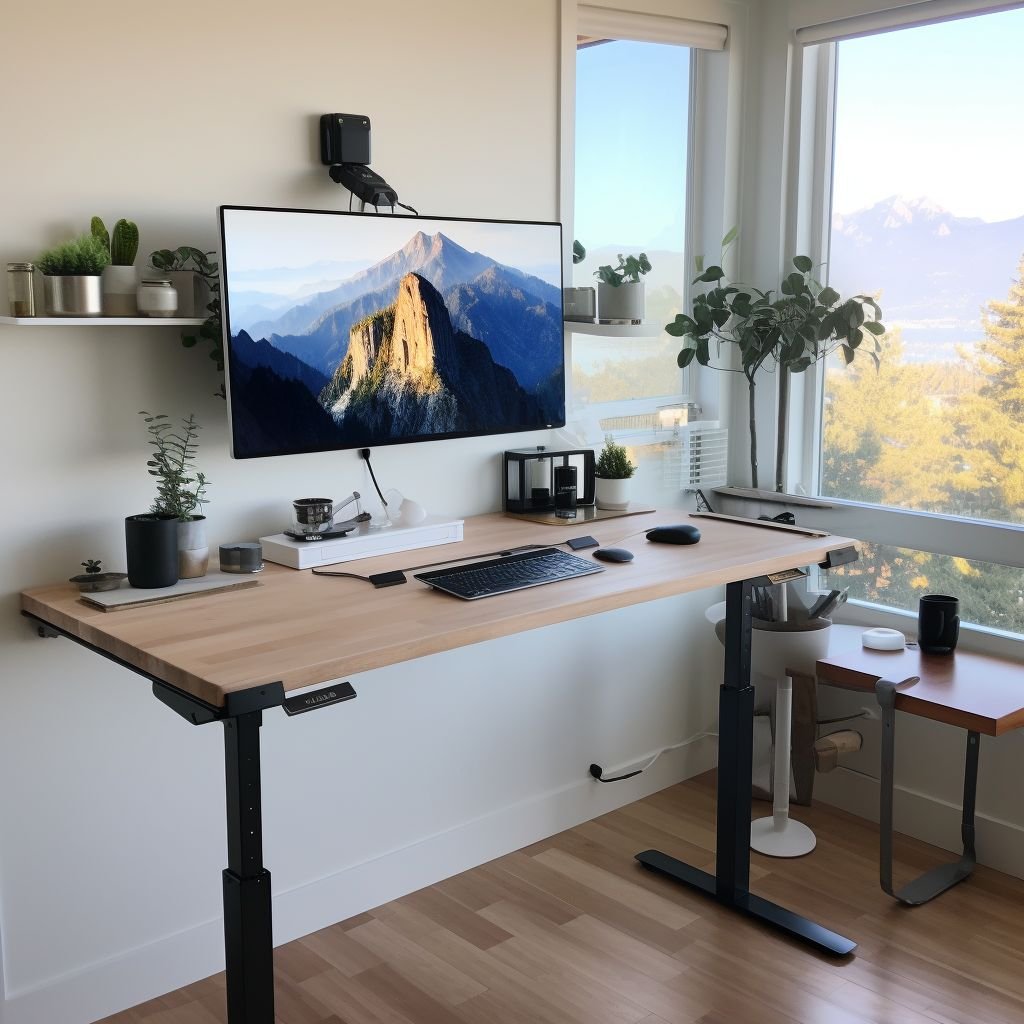
I spent one Saturday morning doing a proper desk purge. Here’s the rule I used: if it’s not used daily, it doesn’t live on the desk surface. Everything else goes in a drawer, a shelf, or the bin.
After that cleanup, I noticed something odd — I started my work sessions faster. Less time fiddling, rearranging, “just tidying up a bit” before actually starting. The clean surface was like a mental green light.
For anyone dealing with a small workspace, these 11 Powerful Remote Desk Life Organization Tips for Minimal Workspaces are genuinely worth reading through.
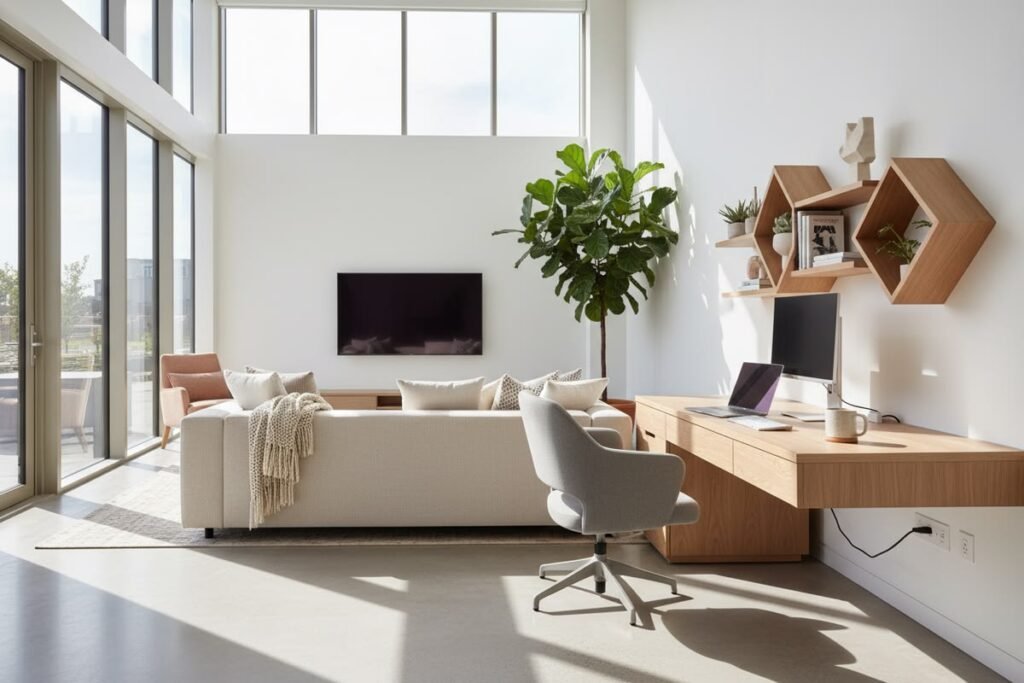
4. I Had No Dedicated Work Zone — I Worked From the Couch Half the Time
This one is a mindset mistake as much as a physical one.
For the first few weeks of remote work, I’d start at my desk, then migrate to the couch with my laptop when I “needed a change.” Then I’d answer emails in bed. Then I’d try to do focused writing at the kitchen table.
What I ended up with was a brain that had zero association between any physical location and “work mode.” My desk didn’t mean work. My couch definitely didn’t mean work. Everything blurred together.
The fix: I committed to one spot. My desk. Only my desk. Even on days when I really didn’t feel like sitting there, I made myself start there. Within about two weeks, something clicked. Sitting down at my desk started triggering a focus response almost automatically — like how walking into a gym makes you feel like working out even when you didn’t want to.
This is called environmental anchoring, and it’s one of the most underrated productivity tricks for remote workers.
The couch is now for reading and Netflix. The desk is for work. Simple, and it changed everything.
5. My Lighting Was Terrible and I Never Connected It to My Fatigue
I worked facing a window for months. Bright, natural light. Felt great, right?
Wrong. At least for me.
The issue was glare. My monitor had a constant wash of light reflecting across it, especially in the afternoon. I was unconsciously squinting and straining to read my own screen. By 4 PM I felt drained in a way that I blamed on the work itself, not my environment.
Two changes fixed this completely:
First, I repositioned my desk so the window is now to my side, not in front of or behind me. Natural light still comes in, but it doesn’t hit my screen directly.
Second, I added a desk lamp with adjustable color temperature. During the morning I keep it warm and soft. During focused afternoon sessions I switch to a cooler, brighter daylight setting. It sounds minor but it genuinely helps with alertness.
| Lighting Setup | Impact |
|---|---|
| Window directly in front | Glare on monitor, eye strain |
| Window directly behind | Screen reflection, harsh contrast |
| Window to the side | Natural light without glare |
| Warm bulbs only | Relaxing but can cause afternoon drowsiness |
| Adjustable color temp lamp | Supports focus at different times of day |
A ring light also helped for video calls — I was looking washed out on camera before, which affected how confident I felt during meetings. Small thing, but it mattered.
6. My Cable Situation Was a Disaster That Slowed Down My Brain
This sounds petty. Stay with me.
I had cables going everywhere. My monitor cable, laptop charger, external keyboard dongle, phone charger, webcam cable, and a random USB hub in the middle of it all. Every morning I’d sit down and my eyes would immediately land on this tangle of wires and I’d feel a very faint sense of chaos.
I also kept accidentally unplugging things. I once knocked my webcam cable mid-meeting and spent 90 seconds frantically reconnecting while the client waited. Not great.
I fixed it with three things:
- Cable clips along the back edge of my desk (about $8 for a pack of 20)
- A single USB-C hub so most devices run through one cable to my laptop
- Velcro cable ties to bundle anything running down to the floor
Total cost: maybe $30. Total time saved in daily irritation: hard to measure, but real.
There’s a deeper connection between a visually clean workspace and the ability to maintain focus — it’s something I explored more when reading through 6 Proven Remote Desk Life Cable Management Tricks That Look Clean.
7. I Had No System for Starting and Ending My Workday
This last one isn’t strictly a “desk” mistake, but it’s directly connected to how your setup functions in practice.
When I first started working from home, I’d sort of drift into work. Wake up, make coffee, open the laptop still in my pajamas, check Slack, and suddenly it’s 9:30 and I’ve been staring at messages for an hour without actually doing anything productive.
Evenings were worse. Work never really ended. I’d close my laptop, then open it again to “just check one thing,” then it’s midnight and I’ve been half-working for five hours and feel burned out.
The fix was building what I call a “desk ritual” — a short sequence that signals to my brain that work is starting, and another that signals it’s done.
Morning ritual (10 minutes):
- Clear anything that landed on the desk overnight
- Open my task manager (I use Todoist) and write out my top 3 priorities
- Put my phone face-down on the other side of the room
- Start a timer
Evening ritual (5 minutes):
- Close all browser tabs
- Write tomorrow’s top 3 in Todoist
- Clear my desk surface
- Shut the laptop and close it completely
That last step matters more than you’d think. Having the laptop closed and out of reach creates a physical barrier that your brain interprets as “we’re done.” If it’s sitting there open, you’ll keep working.
The Honest Truth About All of This
None of these fixes were dramatic or expensive. A monitor stand. A better chair. Some cable clips. A lamp. A commitment to one workspace. A 10-minute ritual.
But the combined effect was massive. I stopped hitting that 2 PM wall every day. I started finishing my actual work by 5 PM instead of dragging it into the evening. I stopped getting tension headaches three times a week.
Your setup isn’t just furniture. It’s the physical environment your brain has to operate in for 6-8 hours a day. If that environment is fighting you, you’ll feel it — even if you can’t immediately name the cause.
Start with one thing. The monitor height, if nothing else. See how you feel after a week. Then pick the next thing.
Small changes. Real results.
Also worth reading: If you’re looking to squeeze more out of your day once your setup is sorted, check out 9 Essential Remote Desk Life Productivity Habits I Learned in 30 Days — it picks up right where physical setup leaves off.