Meta Description: These hacks on how to focus when working from home are the secret weapon of remote workers who want to stay sharp, overcome distractions and get stuff done each day.
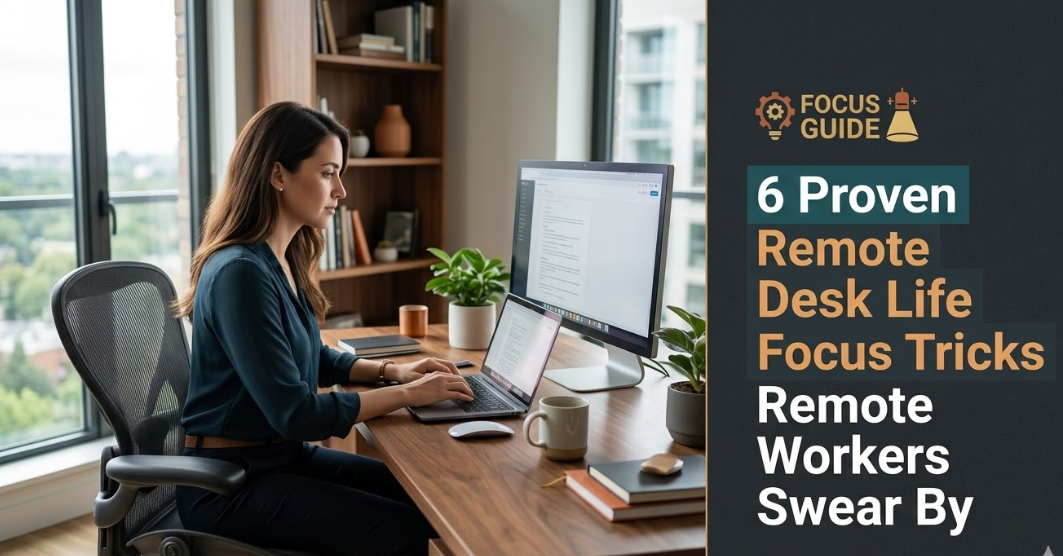
6 Remote Desk Life Focus Hacks Remote Workers Swear By
The ability to work from home sounds like a dream. No commute, no noisy office, no one stopping by your desk every 10 minutes to interrupt you. But if you’ve been doing it for a few weeks, even longer, you know the truth: it can be brutally hard to stay on task at home.
The fridge is right there. Your phone buzzes. The laundry needs switching. A friend or business partner sticks their head in. Your to-do list looks identical to what it did at 9 AM — and before you know it, half the day has evaporated.
Long-term successful remote workers don’t simply “work harder.” They build systems. They have specific, tested tricks that make focus the default — not the exception. These are not shady productivity hacks taken from some tech guru’s blog. These are concrete strategies that actual remote workers swear by, honed through daily practice.
In this article, we break down six of the most potent remote desk life focus hacks — with straightforward descriptions, actionable tips, and some no-nonsense context to help you put them all into practice right away.
All the Reasons Concentrating at a Work-at-Home Desk Is Harder Than You Think
Before diving into the tricks, it is worth explaining why home offices are such a focus minefield.
In traditional workspaces, the space itself does much of the heavy lifting. Everyone around you is working, so there’s work. The physical separation of “home” and “job” is obvious. There’s social accountability baked right into the room.
At home, those cues don’t exist unless you create them yourself.
Your brain uses context to change modes. It requires signals for when it’s time to work and when it’s time to rest. When those signals begin to bleed together — when your couch, your dining table, and your office chair all occupy the same real estate — you don’t get a brain-wave break. You are never completely “on” or completely “off.”
The remote desk life hacks in this article work because they restore those missing cues. They provide structure, boundaries, and mental triggers that the traditional office supplied on autopilot.
Trick #1: Establish a Dedicated Workspace Your Brain Recognizes
The Impact of Your Environment on What You Produce
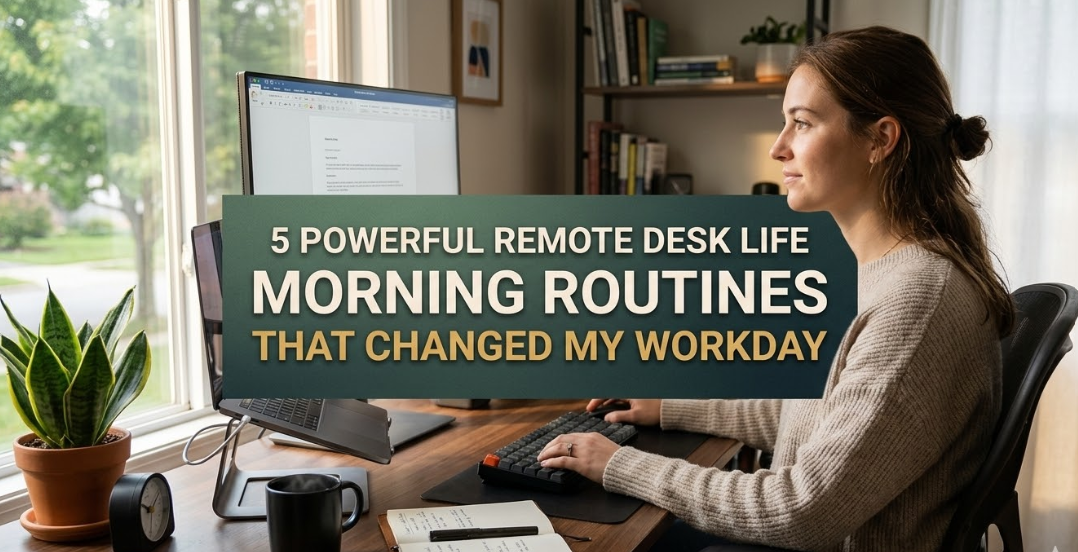
This is the single most powerful change most remote workers can make. And the great news: there’s no requirement for a separate room or expensive furniture to pull it off.
The idea is simple. You need one place — and one place only — where you do your intentional work. Not the couch. Not the kitchen table. One consistent place where your brain fully connects to focus.
Psychologists call this “context-dependent memory.” Your brain associates states of mind with physical environments. You step into a gym and your body begins to get ready to move. You sit down at your work desk and your mind begins to get ready to concentrate.
Some remote workers have said that simply sitting down in their designated spot triggers a shift in mental state — almost automatically.
How to Set It Up (Even in a Small Space)
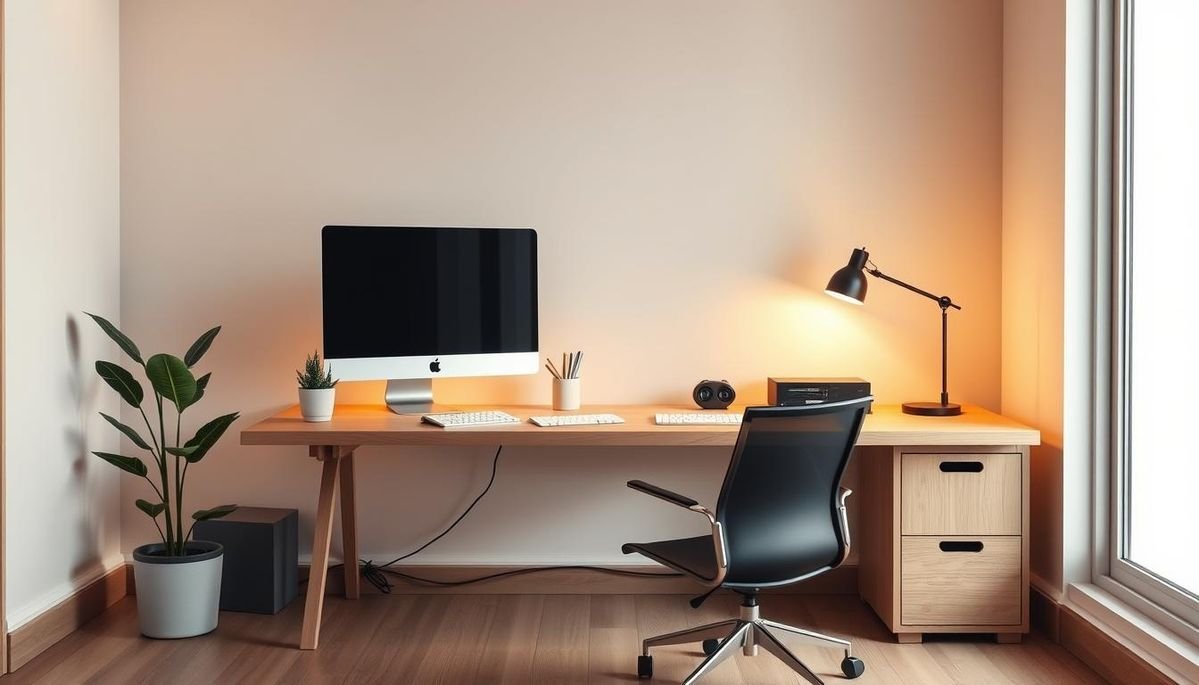
You don’t have to set up an entire home office. Here’s what actually matters:
| Element | What to Do |
|---|---|
| Location | Choose a fixed place. Use it only for work. |
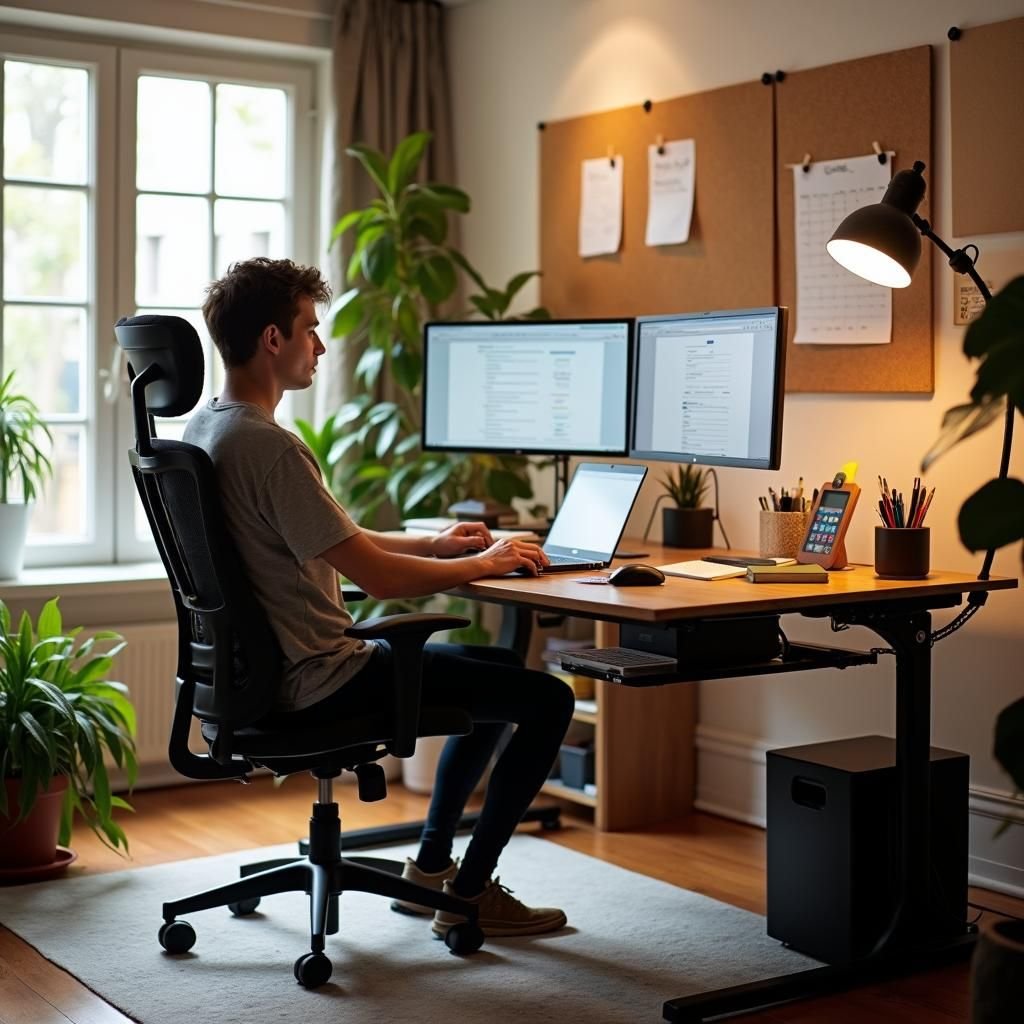
| Lighting | Face a window or use a warm desk lamp. Bright light boosts alertness. |
| Clutter | Clear the surface. A cluttered desk increases cortisol and squashes clarity. |
| Non-work items | Remove TVs, gaming gear, and personal devices from the work zone. |
| Visual cue | A plant, a small whiteboard, or a particular mug — something that says “work mode.” |
Even a small corner of a bedroom works, if you treat it consistently. The key word is consistently. The same chair. The same desk. Every workday.
The Commute Replacement Ritual
Many remote workers also create a “fake commute.” This could be a 10-minute stroll around the block before sitting down. It signals the transition from home life to work life. When you come back from that walk and sit down at your desk, your brain registers it as the kick-off to the workday.
It sounds silly. But remote workers who do it consistently say it’s one of the most underrated focus tricks they’ve ever tried.
Trick #2: Time Blocking — Assign Every Hour a Job
Stop Working From a To-Do List Alone
The average person manages their day through a to-do list. Tasks pile up, they pick from the top, and react to what feels most urgent. This approach almost certainly leaves important work undone.
Time blocking flips the model. Instead of a list of tasks, you give fixed chunks of time to specific kinds of work. Your calendar becomes your master plan.
Remote workers who use time blocking describe it as a game-changer because it eliminates one of the greatest focus killers: decision fatigue. When each hour has a job, you don’t waste mental energy determining the next move. You look at the plan and do it.
A Practical Time Blocking Framework
Here’s a simple framework that works for most remote workers:
Morning Block (8–10 AM): Deep work only. Complex tasks that involve real mental effort — writing, coding, strategy, or analysis. No email. No meetings if you can avoid it.
Mid-Morning Block (10 AM–12 PM): Collaborative work. Meetings, calls, team check-ins — anything requiring other people.
Afternoon Block (1–3 PM): Reactive work. Email, Slack, quick tasks, admin. For most people, mental energy for deep thought drops after lunch anyway.
Late Afternoon Block (3–5 PM): Creative or light work. Planning tomorrow, learning, lighter projects.
The One Rule That Makes Time Blocking Work
Here’s the rule: treat your time blocks like meetings you can’t cancel. If a block reads “deep work,” it doesn’t get pushed aside for a non-urgent Slack message. Guard those blocks fiercely.
Also, build in buffer time. Things always take longer than expected. If you pack every hour solid, one delay cascades into chaos. Leave 20–30 minute buffers between major blocks.
Trick #3: The Pomodoro Method — Work in Sprints, Rest on Purpose
Why Your Brain Needs Built-In Breaks
Sustained focus is not unlimited. Cognitive psychology research consistently confirms that mental attention fades significantly after 25–50 minutes of intense work. Pushing through fatigue doesn’t make you more productive — it makes you slower and more prone to error.
The Pomodoro Technique was developed in the late 1980s and has become one of the world’s most popular focus strategies — particularly for remote workers who lack the natural rhythm of an office environment to pace them.
Here’s the core structure:
- Set a timer for 25 minutes.
- Work on one task only until the timer goes off.
- Take a 5-minute break. Step away from the screen. Stretch. Breathe.
- Repeat. After every four rounds, take a longer 15–30 minute break.
Why This Particular Structure Works
The brilliance of the Pomodoro method for remote desk life focus is that it solves two problems at once.
First, it makes focus feel finite. Twenty-five minutes is manageable. When a task feels daunting, committing to just one focused Pomodoro lowers the barrier to starting — which is usually the hardest part.
Second, it mandates rest. Remote workers are notoriously bad at taking breaks — eating lunch at the desk, working through the afternoon without ever stepping away. This accumulates as cognitive fatigue that feels like laziness but is really exhaustion. The forced breaks of the Pomodoro method help prevent this.
Tools to Try
| Tool | Platform | Cost |
|---|---|---|
| Forest App | iOS / Android | Free / Paid |
| Focus Keeper | iOS | Free |
| TomatoTimer | Web browser | Free |
| Be Focused Pro | Mac / iOS | Paid |
Trick #4: Create Hard Digital Detox Zones
The Phone Is the #1 Remote Work Focus Killer
No remote desk life focus trick list would be complete without tackling the elephant in the room: smartphones and notification overload.
Research has found it takes an average of 23 minutes to regain full concentration after an interruption. That means one glance at a notification doesn’t cost you just 5 seconds — it costs you nearly half an hour of deep focus. Multiply that by the dozens of notifications most people receive in a day, and you start to see why the workday feels so unproductive.
Digital detox zones are not about being anti-tech. They’re about using it deliberately instead of letting it use you.
What a Digital Detox Zone Looks Like
A digital detox zone is a defined block of time — usually your deep work block — during which all non-work digital inputs are eliminated or minimized. Here’s how to set one up:
Phone: During deep work blocks, put it in another room entirely. Not face-down on the desk. Not on silent. In another room. The physical distance removes the temptation entirely.
Computer notifications: Turn them all off during focus blocks. On Mac, use Focus Mode. On Windows, use Focus Assist. No Slack pings. No email popups. Nothing.
Browser distractions: Use tools like Freedom, Cold Turkey, or the built-in Screen Time controls to block social media and news sites during work hours.
Communication expectations: Let your team know that you do not respond to non-urgent messages instantly. Set expectations that replies will come within a defined window — such as within 2 hours. This one takes courage but is incredibly effective.
Set Up an “Input Schedule” Instead
Rather than reacting to communication all day, process it in batches. Check email at 9 AM, 12 PM, and 4 PM. Check Slack at the top of each hour. This gives your brain long stretches of uninterrupted time while still keeping you responsive enough for most professional contexts.
Trick #5: Body Doubling — Work Better With a Silent Companion
The Social Accountability Secret Most People Haven’t Heard Of
This one surprises a lot of people. Body doubling is the practice of working alongside another person — even if you’re both doing completely different tasks and barely interact. The mere presence of another person doing work creates a subtle but powerful accountability effect.
It’s why people in coffee shops often feel remarkably productive. Nobody is watching them or checking their output. But the ambient presence of other working humans triggers a social focus response in the brain.
Remote workers discovered this trick early in the pandemic and it’s become one of the most-searched focus strategies in the remote work community.
How to Use Body Doubling Without Leaving Home
The best part: you don’t need to leave your house. Here are the most popular options:
Virtual co-working sessions: Services like Focusmate pair you with a stranger for 25 or 50-minute video sessions. You each state your goal at the start, work silently, then check in at the end. Thousands of remote workers use this daily.
Work with a friend on video call: Jump on a video call with a colleague or friend. Don’t talk about work — just work near each other. Keep cameras on, audio muted.
Study/work livestreams: YouTube and Twitch have thousands of hours of “study with me” and “deep work” livestreams. A person working on screen creates the same ambient focus effect.
Join a virtual office platform: Tools like Gather, Teamflow, or Tandem create virtual office environments where teammates appear as avatars in shared spaces. Knowing your colleagues are “in the office” with you mimics the social focus of a real workplace.
Who Benefits Most From Body Doubling?
Research and anecdotal evidence suggest body doubling is especially powerful for people with ADHD, those who are newly remote and struggling to adjust, and anyone working on large, overwhelming solo projects. But honestly, it benefits almost everyone. The accountability is quiet, judgment-free, and surprisingly effective.
Trick #6: The End-of-Day Shutdown Ritual
Why Ending Well Is Just as Important as Starting Strong
Most focus advice is about starting well. But remote workers who consistently perform at a high level pay equal attention to how they end the workday.
Without a physical departure — no commute, no packing up, no walking out of a building — remote workers often let the workday bleed endlessly into personal time. Work thoughts follow them to dinner. They check email at 9 PM. They feel guilty when they stop working early. They never fully rest, which means they never fully recover, which means tomorrow’s focus starts from a depleted baseline.
The shutdown ritual is a deliberate, repeatable process that signals to your brain: work is done. It creates the psychological “leaving the office” moment that the lack of a commute took away.
How to Build Your Shutdown Ritual
Here’s a solid template. Adjust it to fit your style:
Step 1 — Review the Day (5 minutes): Reflect on what you completed. Acknowledge wins, however small. This sets a positive tone for tomorrow.
Step 2 — Clear Outstanding Items (5 minutes): Any urgent loose ends? Handle them or schedule them. Don’t leave things hanging in your head — it creates cognitive load that follows you into the evening.
Step 3 — Write Tomorrow’s Top 3 (5 minutes): Identify the three most important tasks for tomorrow. Write them down. This off-loads the mental task of remembering them and lets you start tomorrow with clear direction.
Step 4 — Close All Work Apps: Email. Slack. Project management tools. Close them all. Physically close the laptop if possible.
Step 5 — Say It Out Loud: Seriously. Many remote workers use some variation of “Shutdown complete” or “Work is done.” It may seem odd, but verbalizing the end of the day gives your brain a clear closing signal.
The whole ritual takes about 15–20 minutes. The payoff is evenings where you can truly relax, and mornings that begin fresh instead of packed with yesterday’s mental clutter.
Putting It All Together: A Remote Focus Day That Works
Here’s what a high-focus remote workday looks like when you apply all six tricks:
| Time | Activity | Trick Used |
|---|---|---|
| 7:50 AM | “Fake commute” walk around the block | Dedicated workspace ritual |
| 8:00 AM | Sit at dedicated desk, set up for the day | Dedicated workspace |
| 8:00–10:00 AM | Deep work block — most important task | Time blocking + Pomodoro + Digital detox |
| 10:00–12:00 PM | Meetings, collaboration, email batch | Time blocking |
| 12:00 PM | Lunch away from desk | Break ritual |
| 1:00–3:00 PM | Second focus block with virtual co-working | Body doubling + Pomodoro |
| 3:00–4:30 PM | Reactive work, email, lighter tasks | Digital detox (limited) |
| 4:30–5:00 PM | Shutdown ritual — review, plan, close | Shutdown ritual |
This isn’t a rigid formula. It’s a starting point. The idea is to create a framework for using these hacks consistently until they become automatic.
FAQs: Remote Desk Life Focus Hacks
Q: Do all six focus tricks need to be used together? No. Pick one or two that feel most relevant to your current challenges. Just implementing a dedicated workspace and a shutdown ritual can make an enormous difference in how your workdays feel. Add more once the first ones become habits.
Q: How long does it take to see results from these tricks? Most people feel a difference after one to two weeks of regular practice. The brain adapts surprisingly well to new routines, but the operative word is consistent. Doing something three days and then dropping it won’t build the mental associations that make these tricks effective.
Q: What if I live with family or roommates? Communicate your focus blocks clearly. Simple visual cues — a closed door, headphones on, a small sign — can train people around you to respect your deep work time. The digital detox and time blocking tricks are also entirely internal and don’t require anyone else’s cooperation.
Q: Does the Pomodoro technique work for all kinds of work? It works best for tasks that have clear stopping and starting points — writing, coding, research, design work. For tasks that require very long, uninterrupted stretches (like complex problem-solving sessions), you might extend the work intervals to 45 or 50 minutes. The core principle — work, then rest, deliberately — is universal.
Q: Can body doubling really help if neither person speaks? Yes. The benefit of body doubling comes from the ambient social presence, not from conversation. In fact, talking often breaks the effect. Quiet, parallel working is the whole point.
Q: How do I handle urgent interruptions during a deep work block? Have a capture system — a notepad or quick-access app — where you jot the urgent item and promise yourself to handle it after the block ends. Most “urgent” things can wait 25 minutes. If a genuine emergency arises, address it. But be honest with yourself about what actually qualifies.
Q: What’s the best first step for a complete beginner to remote focus? Start with the dedicated workspace trick. It requires no tools, no apps, and no schedule changes. Just pick a spot and commit to using only that spot for work. Within days, your brain will start associating it with focus — and everything else becomes easier to build from there.
The Bottom Line
Remote desk life focus hacks aren’t about willpower or discipline. They’re about building an environment and a daily structure that make focus easier, more automatic, and more sustainable.
The six tricks outlined here — a dedicated workspace, time blocking, the Pomodoro method, digital detox zones, body doubling, and a shutdown ritual — have all been tested and refined by real remote workers over years of daily practice. They work because they target the underlying psychological mechanisms of distraction and attention — not just the surface symptoms.
Pick one. Give it a good two-week try. Then add another. In time, you won’t merely be enduring remote work life — you will be flourishing.