Honestly, the first three months of working from home were a disaster for me.
I’d sit down at my kitchen table with my laptop, coffee in hand, feeling optimistic — and then somehow, by 11 AM, I’d have done maybe forty minutes of actual work. The laundry was calling. My phone was right there. My roommate kept walking through. And don’t even get me started on the endless scroll of “just checking notifications real quick.”
It took me a good while — and a lot of wasted afternoons — to figure out that remote work productivity isn’t just about willpower. It’s about systems. Small, boring, unsexy systems that actually work.
Here are 10 tricks I’ve personally tested that made a real difference. Some of them sound obvious. Most of them I ignored for too long.
1. Treat Your Morning Like You’re Still Going to an Office
This one changed everything for me.
When you work from home, it’s tempting to roll out of bed, open your laptop in your pajamas, and call it a workday. I did this for weeks. And every single day felt sluggish and unfocused.
The fix was simple: I started setting an actual alarm, getting dressed (nothing fancy, just real clothes), and doing a short “commute” — which for me was a 10-minute walk around the block.
By the time I sat down to work, my brain had switched modes. I wasn’t in “home mode” anymore. That mental shift matters more than most people give it credit for.
What to try:
- Set a consistent wake-up time, even on slow days
- Do something physical in the morning, even just stretching
- Avoid checking emails or Slack until you’re actually “at work” (mentally and physically ready)
2. Design Your Space Like Productivity is the Only Goal
I used to work from my couch. My bed. The kitchen counter. Wherever was comfortable.
The problem? Comfort and focus are not the same thing. In fact, they often fight each other.
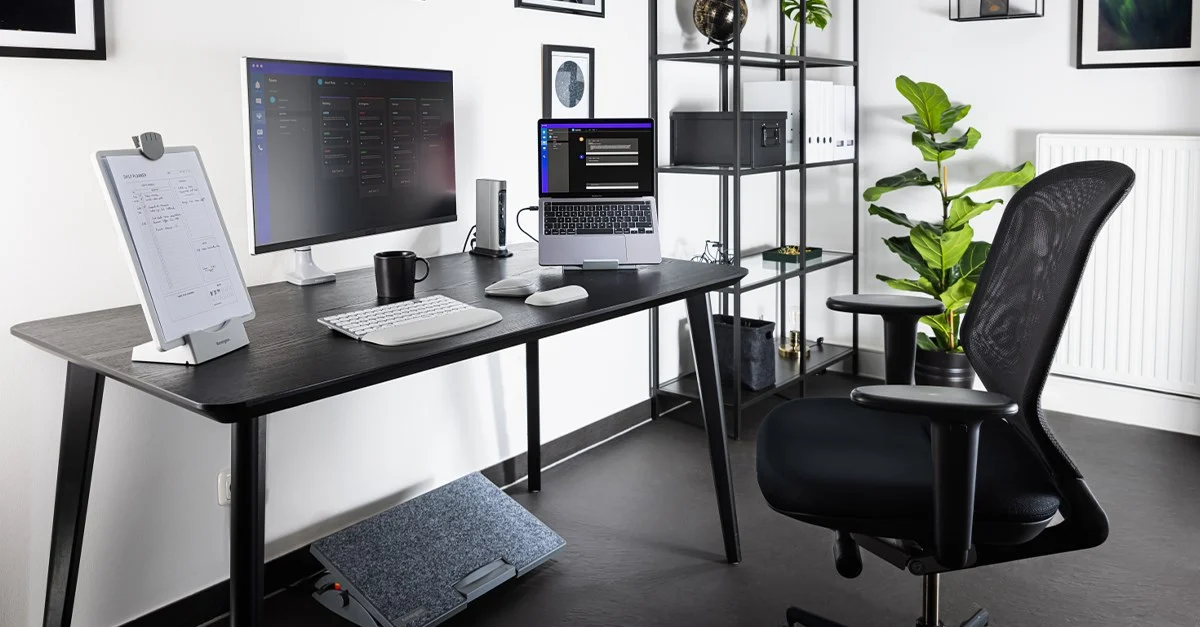
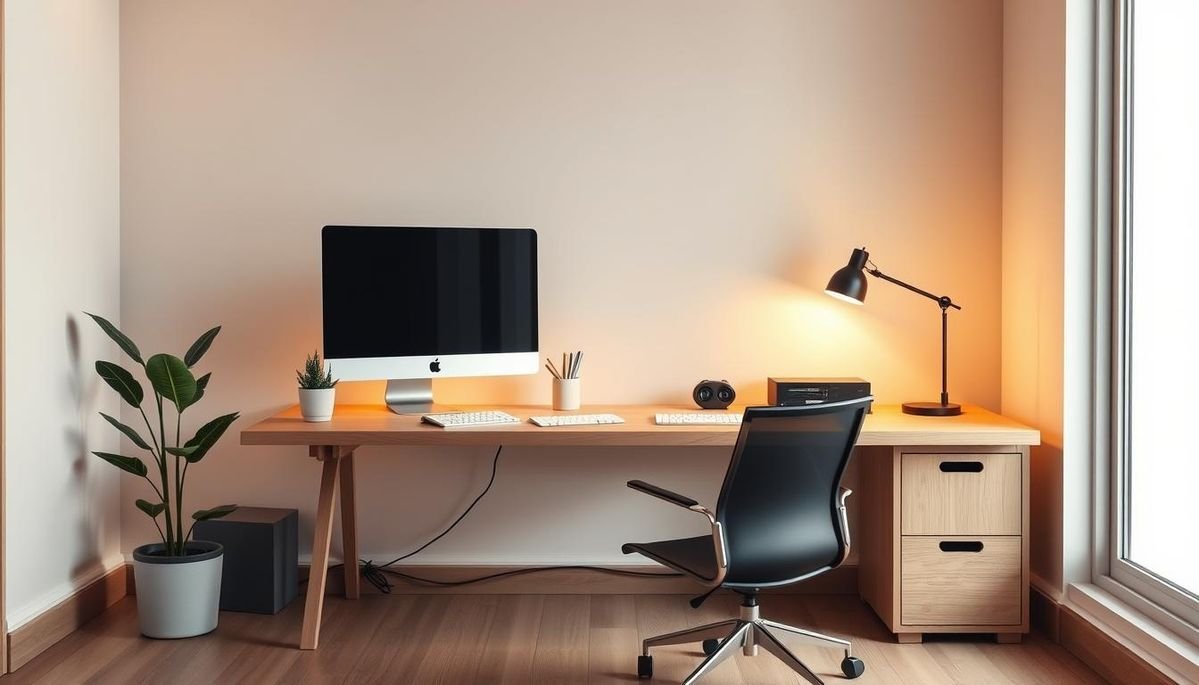
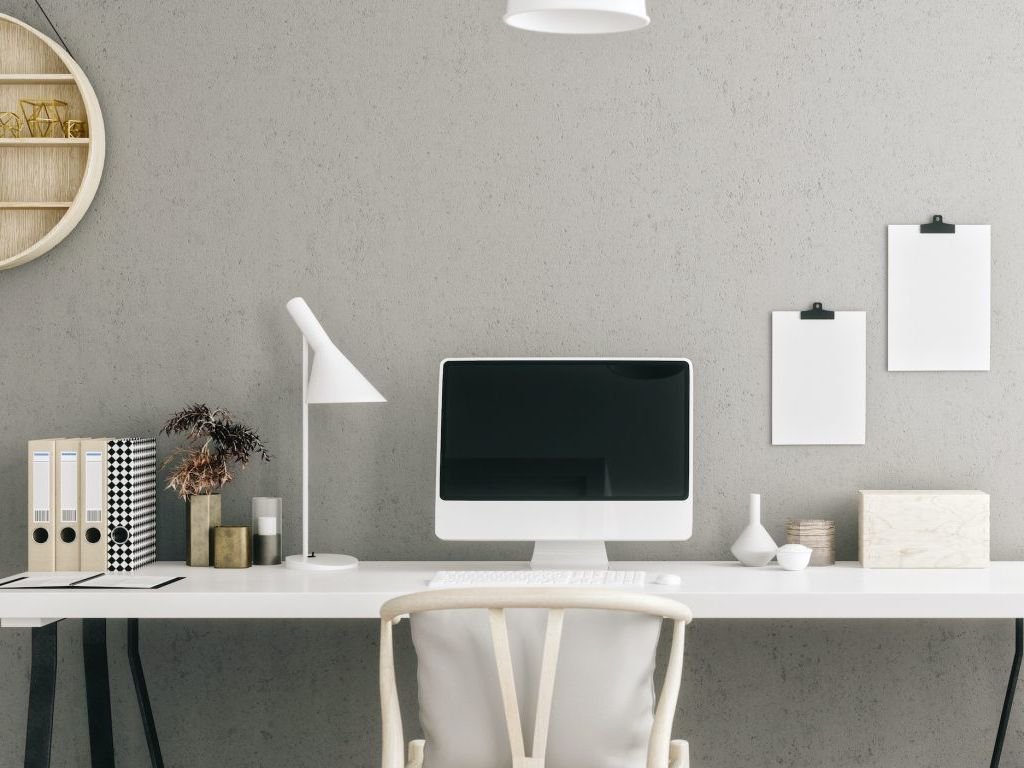
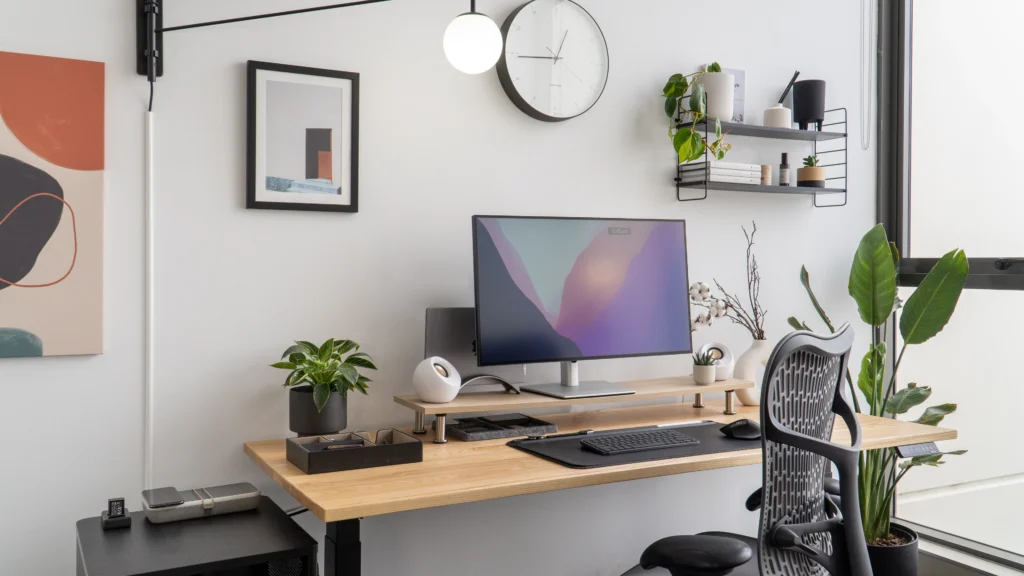
Once I set up a proper dedicated workspace — even just a corner of my bedroom with a real desk and a monitor — the quality of my work hours improved noticeably. There’s genuine science behind this. Your brain forms associations between spaces and behaviors. Work from your bed enough times, and your brain starts treating the desk the same as the couch.
If you want to get serious about your setup, check out these 11 Powerful Remote Desk Life Setup Essentials Every Remote Worker Needs — a lot of these I’ve actually implemented myself and they make a real difference.
Quick wins for your workspace:
- Keep your desk clear of non-work items
- Use a proper chair (your back will thank you in year two)
- Face a window if you can — natural light genuinely helps focus
- Put your phone in a drawer or face-down when working
3. Use Time Blocking, Not Just a To-Do List
I used to start every day with a to-do list. Twelve things on it. Optimistic, chaotic, useless.
By 3 PM I’d crossed off two things and felt terrible. The list didn’t tell me when to do anything, so I’d procrastinate on the hard stuff and do the easy things all day.
Time blocking changed that. Instead of a list, I now have a daily calendar with dedicated chunks:
| Time Block | Task Type |
|---|---|
| 8:30 – 10:00 AM | Deep work (hardest task first) |
| 10:00 – 10:15 AM | Break |
| 10:15 – 12:00 PM | Emails, messages, communication |
| 12:00 – 1:00 PM | Lunch (actual away-from-screen time) |
| 1:00 – 3:00 PM | Creative or collaborative work |
| 3:00 – 4:00 PM | Admin, follow-ups, planning |
| 4:00 – 4:30 PM | Review + tomorrow’s block plan |
The specific times don’t matter as much as the structure. Having a container for each type of task eliminates the “what should I work on now?” decision fatigue that eats hours.
Tools I use: Google Calendar for time blocking, Notion for daily notes, Todoist for quick captures.
4. The “One Tab” Rule for Deep Work Sessions
This sounds extreme. It is. It works.
When I’m in a deep work block, I close every browser tab except the one I actually need. No Gmail. No news. No Slack in the background.
Browser tabs are cognitive clutter. Even having a tab open that you’re not using creates a tiny background pull on your attention. Every notification badge, every unread count, it all adds up.
What I do now: I open a fresh browser window with only the tool I need. When the session ends, I close it and open what’s next.
If you’re someone who genuinely needs multiple tools open, try organizing them into browser profiles or separate windows — one window per task type. It sounds like extra steps but it actually reduces mental switching.
5. Protect Your First 90 Minutes Like They’re Gold
Here’s something I learned the hard way: whoever or whatever you give your first hour to, wins your whole morning.
If you open Slack first thing, you’re now reacting to everyone else’s priorities. If you check your inbox, you’re already in response mode before you’ve done one creative, proactive thing.
I protect my first 90 minutes now. No meetings before 10 AM if I can help it. No Slack until my first deep work block is done. No email until I’ve made real progress on my top priority.
The difference in output is genuinely shocking.
Practical steps:
- Set Slack and email to “do not disturb” until your first break
- Let people know your working hours and response times (once, clearly, in your bio or status)
- Put your most important task at the top of your calendar so it literally happens first
6. Build Micro-Habits, Not Mega Routines
Every January I used to build these elaborate morning routines. Meditation. Journaling. Exercise. Cold shower. Three affirmations.
By February, I’d given up on all of it.
What actually works for me now? Tiny anchors. Small habits that take less than five minutes but create structure.
Before I open my laptop, I make tea and write down the three things I want to accomplish today. That’s it. Takes four minutes. But that four minutes of intention has replaced an hour of drifting.
Same thing at the end of the day. I close my laptop, write down what I actually did, and note the top priority for tomorrow. Shutdown ritual complete.
These small bookends make remote work feel intentional instead of endless.
7. Build an Ergonomic Setup Before You Need to Fix Pain
This is the one I regret most. I ignored ergonomics for two years. I used a laptop on a flat kitchen table. I looked down at my screen constantly. I sat in a dining chair for 8-hour stretches.
Then the neck pain started.
Once I finally invested in a proper monitor stand, an external keyboard, and adjusted my chair height to keep my arms at 90 degrees — the difference was immediate. Not just physically, but mentally. It’s genuinely harder to focus when you’re uncomfortable or in pain.
Don’t wait until your neck aches. These 9 Powerful Remote Desk Life Ergonomic Tips for Home Office Workers cover the actual adjustments that matter, not just the generic “sit up straight” advice.
Basic ergonomic checklist:
- Monitor at eye level (top of screen at eye height)
- Arms at roughly 90 degrees when typing
- Feet flat on the floor (or on a footrest)
- Screen at arm’s length (roughly 50–70 cm)
- Take a standing or walking break every 45–60 minutes
8. Use the “2-Minute Rule” to Kill Task Paralysis
David Allen’s Getting Things Done system has a rule I’ve actually kept: if a task takes less than two minutes, do it immediately instead of adding it to a list.
Reply to that quick message? Do it now. Fix that typo in the doc? Do it now. Send that file? Do it now.
This sounds like it could derail your focus, but it actually reduces the mental weight of accumulating tiny undone things. Those small tasks pile up in the back of your mind and drain energy.
The key is: only apply this rule outside your deep work blocks. During deep work, nothing interrupts. But during transition times or between blocks, run through the two-minute stuff and clear the decks.
9. Create Hard Stops — and Actually Use Them
One of the weirdest remote work problems is not being able to stop working.
When the office is your home, the workday has no natural end. There’s no commute, no coworker saying “heading out,” no building to close. Work just… continues until you fall asleep.
I used to work until 8, 9, 10 PM. Not because I was so productive. Usually because I was procrastinating during the day and then panic-working at night. It’s a terrible cycle.
Now I have a hard stop at 5:30 PM. Laptop closes. Work chat goes off. Done.
Some days this means leaving things unfinished. And I’ve learned to be okay with that. Unfinished work in the evening is tomorrow’s starting point. Burning out by Wednesday means nothing gets done Thursday or Friday.
How to actually stick to a hard stop:
- Schedule a personal activity right after (a walk, cooking dinner, a call with a friend)
- Use a phone alarm labeled “Close the laptop”
- Tell someone what time you finish — accountability helps
10. Audit Your Distractions Once a Week — Honestly
Here’s the real one. The one that took me longest to do because it required honesty.
Every Friday I spend about 10 minutes asking: where did my time actually go this week? Not where did I intend it to go. Where did it actually go?
I use Toggl Track to log work time (takes about 10 seconds to start/stop a timer), and once a week I look at the data. It’s often uncomfortable.
Some weeks I’d see that I spent 4+ hours on email. Or that my “deep work” sessions were actually just 20 minutes of focus followed by 40 minutes of drifting. The data doesn’t lie.
Once you know where the leaks are, you can fix them. Without this audit, you’re just guessing.
Tools worth trying:
- Toggl Track — simple time logging
- RescueTime — automatic tracking of where your screen time goes
- Clockify — free, solid, team-friendly option
Pair this weekly audit with better organization habits — like these 11 Easy Remote Desk Life Productivity Tweaks That Saved Me Hours — and you’ll start compounding small improvements week over week.
Common Mistakes That Kill Remote Productivity (And How to Avoid Them)
Before wrapping up, a few things I see people do constantly — including my past self:
Mistake 1: Treating every hour the same Your 9 AM brain and your 3 PM brain are different. Do hard thinking early. Save admin for the afternoon slump.
Mistake 2: Never leaving the house This is a mental health issue as much as a productivity one. Get outside at least once a day. Doesn’t matter for how long.
Mistake 3: Having your workspace double as your relaxation space If you work from your bedroom, at least close the laptop and put it away at end of day. Visual cues matter to your brain.
Mistake 4: Skipping breaks because “you’re on a roll” You’re not actually on a roll. You’re borrowing from tomorrow’s focus. Take the 10-minute break. You’ll do better work after.
Mistake 5: Trying to fix everything at once Pick one thing from this list. Implement it this week. Actually implement it, don’t just read and nod.
A Simple Weekly Focus Tracker
Here’s a rough framework I use to stay consistent:
| Day | Focus Block (AM) | Priority Task | End Time | Energy Level |
|---|---|---|---|---|
| Monday | 8:30 – 10:30 AM | Weekly planning | 5:30 PM | ⭐⭐⭐⭐ |
| Tuesday | 9:00 – 11:00 AM | Deep project work | 5:30 PM | ⭐⭐⭐⭐⭐ |
| Wednesday | 8:30 – 10:30 AM | Creative tasks | 5:00 PM | ⭐⭐⭐ |
| Thursday | 9:00 – 11:00 AM | Meetings + calls | 5:30 PM | ⭐⭐⭐ |
| Friday | 8:30 – 10:00 AM | Wrap-up + audit | 4:30 PM | ⭐⭐ |
You don’t have to follow this exactly. The point is that having a template for your week reduces daily decision-making. Decisions are exhausting. Templates are freeing.
The Honest Truth About Working From Home
Nobody talks about this enough: remote work is harder than it looks from the outside.
It requires a level of self-management that most people aren’t trained for. Your whole career, someone else structured your time — a schedule, a commute, a manager walking by. Remote work removes all of that scaffolding and asks you to build your own.
That’s actually an incredible opportunity if you take it seriously.
The people I know who genuinely thrive working from home aren’t more disciplined by nature. They’ve just built better systems. Boring, consistent, small systems that protect their time and attention.
Start with one thing. Not ten. One. Whether it’s protecting your first 90 minutes, setting a hard stop, or finally fixing your chair height — pick it, do it, and feel the difference before adding the next thing.
Remote work done well isn’t just about getting more done. It’s about doing good work and still feeling like a person at the end of the day.
That’s the actual goal.
If you’re also trying to keep your workspace clean and distraction-free, this article is worth a read: 5 Secret Remote Desk Life Storage Ideas Remote Workers Love — some genuinely clever setups in there that don’t require a big budget.